
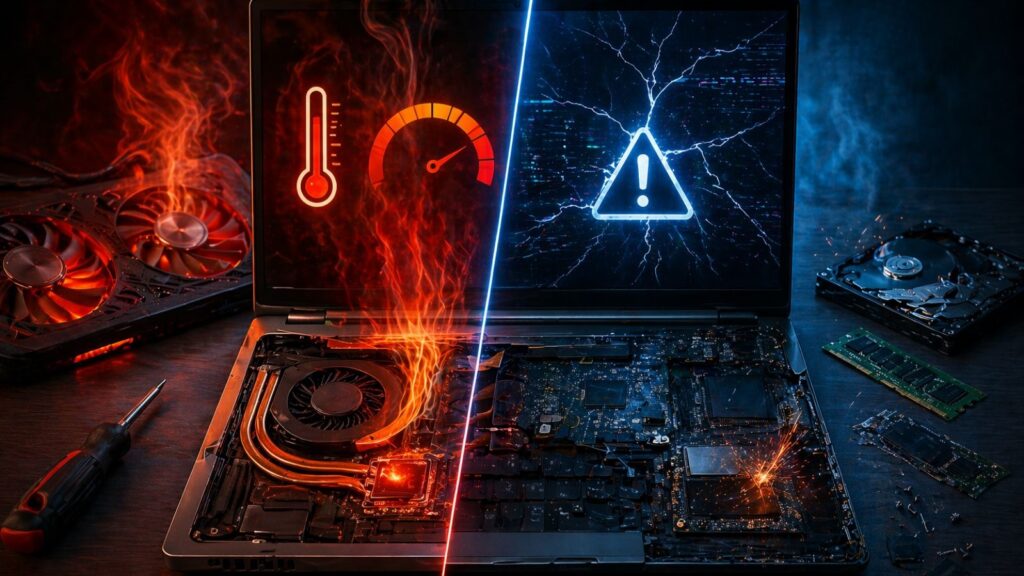
You feel it first in the lag. Not the normal kind. Something off. Apps freeze mid-task, the fan screams, then silence, then slow movement again. And you’re stuck guessing. Is it heat choking performance, or is a component dying?
That confusion sits right at the center of thermal throttling vs hardware failure. Two problems. Similar symptoms. Different consequences. One fades after cooldown. The other keeps getting worse. If you misread the signs, you waste money on the wrong fix or push a damaged system further until it stops responding at all. This breakdown strips things down to what matters. No fluff. Straight indicators, real patterns, and how you separate thermal throttling vs hardware failure without guessing.
The Moment Performance Drops
Thermal throttling shows up under pressure. Heavy load. Gaming, rendering, large Excel files, and Chrome with too many tabs. The CPU temperature climbs past safe limits. The system reacts. It cuts clock speed. Performance drops on purpose to prevent heat damage.
Hardware failure behaves differently. The slowdown does not care about load. It appears at random. Boot time increases. Files take longer to open. And sometimes, the system freezes even when nothing heavy runs.
That’s your first split in thermal throttling vs hardware failure.
Load-dependent vs unpredictable.
What Thermal Throttling Feels Like?
You start a demanding task. Everything runs fine for a few minutes. Then frame rates dip. The laptop gets hot. Fans spin fast. Performance drops sharply. You stop the task, wait a bit, and speed returns.
That cycle repeats.
Because heat builds. Cooling struggles. The processor slows itself down.
Classic thermal throttling.
What Hardware Failure Feels Like?
No pattern. That’s the problem.
The boot takes longer today than yesterday. Apps crash without warning. Sometimes the screen freezes. Sometimes it restarts. Other times, it works fine for hours and then breaks again.
Heat might not even be noticeable.
This inconsistency marks hardware failure. And in thermal throttling vs hardware failure, inconsistency leans toward failing components.
Temperature Tells A Story
Open a monitoring tool. Watch CPU and GPU temps.
Thermal throttling shows high numbers. Often above 90°C. Then you’ll see clock speeds drop. The system reacts to heat.
Hardware failure? Temperatures might stay normal. Yet performance drops or errors appear.
That mismatch stands out in thermal throttling vs hardware failure. High heat with slowdown points one way. Normal heat with issue points another.
Fan Behavior Matters
Listen closely.
Thermal throttling pushes fans hard. Loud. Constant. Trying to cool things down.
Hardware failure doesn’t follow that pattern. Fans might stay quiet even when performance drops. Or they spin inconsistently without a clear reason.
So, in thermal throttling vs hardware failure, loud cooling effort often signals heat, not damage.
Short Bursts vs Permanent Decline
Thermal throttling is temporary. You stop the task. The system cools. Performance returns.
Hardware failure doesn’t reset like that. The slowdown sticks. Over days or weeks, it worsens. No cooling break fixes it.
That long-term decline sits at the core of thermal throttling vs hardware failure.
Common Causes Behind Thermal Throttling
- Dust blocking vents
- Dried thermal paste
- Faulty cooling fan
- Poor airflow design
- High ambient temperature
Each one traps heat. And heat forces the system to slow itself.
Common Causes Behind Hardware Failure
- Failing hard drive or SSD
- Damaged RAM
- Motherboard faults
- Power delivery issues
- GPU degradation
These don’t rely on temperature. They fail internally.
Stress Test Reveals The Truth
Run a controlled stress test.
If performance drops after a few minutes while temperature spikes, you’re seeing thermal throttling.
If the system crashes, freezes, or throws errors early in the test, hardware failure enters the picture.
That controlled setup helps separate thermal throttling vs hardware failure without guesswork.
Check The Clock Speeds
Monitoring tools show CPU frequency.
Thermal throttling drops frequency under load. You’ll see it fall from base speed to lower values once the heat rises.
Hardware failure might show erratic readings. Sudden drops, spikes, or no clear pattern.
Clock behavior plays a big role in thermal throttling vs hardware failure analysis.
Blue Screens & Errors
Thermal throttling rarely causes system errors. It slows things down but keeps the system stable.
Hardware failure triggers blue screens, data corruption, and random shutdowns.
If errors appear often, lean toward hardware failure in the thermal throttling vs hardware failure debate.
Storage Performance Clues
Slow file transfers. Delayed boot. Clicking sounds in older drives.
That’s not thermal throttling.
That’s storage failure creeping in.
Thermal throttling vs hardware failure becomes clear when storage issues show up independently of heat.
External Cooling Test
Place a cooling pad under the laptop. Or run it in a cooler room.
If performance improves, thermal throttling was the issue.
If nothing changes, hardware failure remains likely.
Simple test. Clear result.
And it sharpens the line in thermal throttling vs hardware failure.
Aging Systems Behave Differently
Older laptops collect dust. Thermal paste dries out. Cooling weakens. That leads to thermal throttling.
But aging also affects components. Capacitors degrade. Drives wear out. That leads to hardware failure.
So age alone doesn’t decide thermal throttling vs hardware failure. You need behavior patterns, not assumptions.
Battery and Power Influence
Power issues mimic hardware failure.
Unstable voltage causes shutdowns or lag. Not heat-related.
Thermal throttling won’t trigger from battery instability alone.
So when checking thermal throttling vs hardware failure, don’t ignore the power supply.
Software Misdirection
Background apps spike CPU usage. That raises the temperature. Then throttling kicks in.
Looks like a hardware issue at first glance.
But close those apps. Performance returns.
So, before labeling thermal throttling vs hardware failure, rule out software load.
Visual Inspection Still Matters
Open the laptop if possible.
Dust buildup? Blocked vents? Loose fan cable?
Those point toward thermal throttling.
Burn marks, corrosion, or damaged chips? That signals hardware failure.
Physical clues help settle thermal throttling vs hardware failure faster than logs alone.
Repair Paths Differ
Thermal throttling fixes:
- Clean internal dust
- Replace thermal paste
- Fix or replace fans
- Improve airflow
Hardware failure fixes:
- Replace the faulty component
- Repair motherboard circuits
- Recover data from failing drives
Mixing these paths wastes time and money. That’s why identifying thermal throttling vs hardware failure matters early.
Cost Difference Hits Hard
Thermal throttling repairs stay cheap. Cleaning and paste replacement cost little.
Hardware failure escalates quickly. Motherboard or SSD replacement costs more. Data recovery adds extra.
So getting thermal throttling vs hardware failure wrong affects your budget directly.
Final Words
Thermal throttling slows a system to protect it. Hardware failure breaks it from within. The signs overlap at first glance, yet the patterns differ once you pay attention. Heat-driven slowdowns follow a cycle. Failing components don’t. That distinction sits at the core of thermal throttling vs hardware failure, and missing it leads to the wrong fix, wasted time, and higher costs.
Whatever the issue may be for any kind of laptop, we can help you out. At Mobile Computer Repair, we deal with thermal throttling vs hardware failure cases every day, diagnosing the exact cause instead of treating symptoms. Our team in Los Angeles handles everything from overheating fixes to complex component-level repairs, right at your doorstep. One visit, clear diagnosis, and a solution that lasts. Contact us now!