
Laptop Repair
Laptop Repair in Los Angeles
Cracked screen, dead keys, a charger that won't connect or a laptop that runs hot? We repair laptops for home and business users, starting with a free diagnosis.
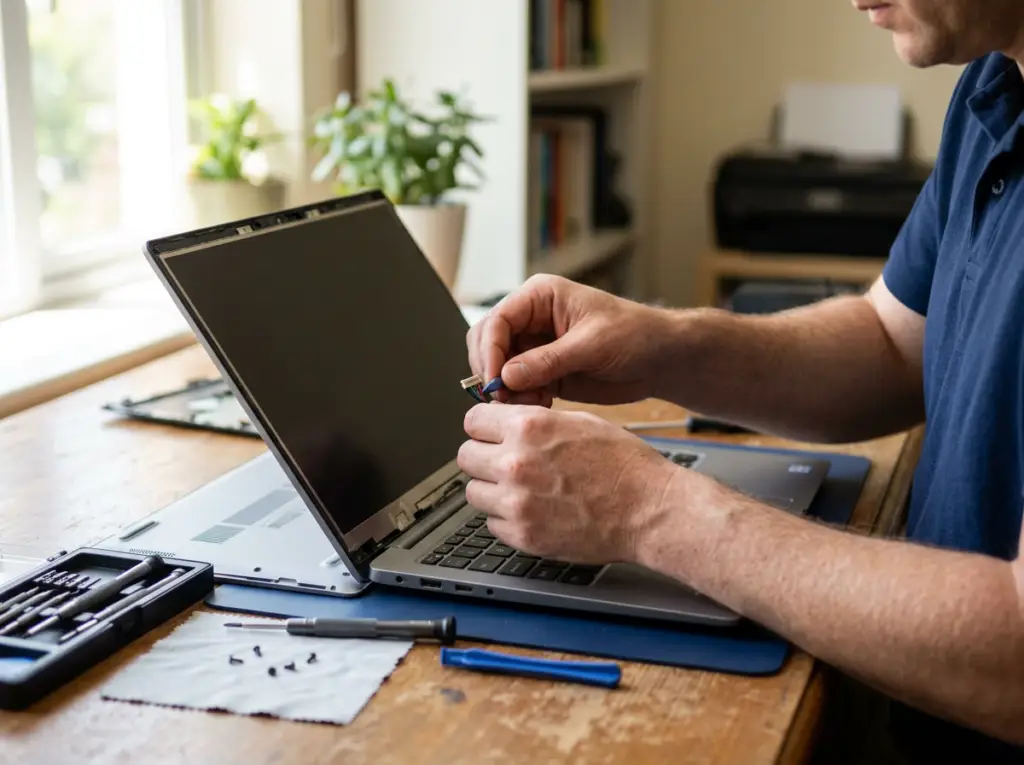
Laptop Repair That Gets You Back to Work
Your laptop goes everywhere you do, which is exactly why it breaks more often than a desktop. Mobile Computer Repair diagnoses and repairs laptops for students, remote workers, professionals and businesses.
We fix the parts that fail most — screens, keyboards, charging ports, cooling systems and hard drives — and handle deeper problems such as motherboard faults and liquid damage. Software problems, viruses and slowdowns are covered too.
The cause isn't always obvious: overheating, malware and worn parts can all look alike. That's why every repair starts with a free diagnosis, and we explain what's wrong and what it costs before any work begins. Once it's fixed, we'll tell you how to help prevent it happening again.
Call and describe the problem to get a preliminary price over the phone.
Laptop Problems We Fix
Recognize one of these? We can help.

Cracked, Dim or Dark Screen
Picture is broken, faint or missing.
Our fix: Screen panel, backlight or inverter replacement

Keys Not Working
Some keys stick or the whole keyboard is dead.
Our fix: Key repair or keyboard replacement

Won't Charge
Charger connects loosely or the laptop won't power up.
Our fix: Power connector repair or replacement

Running Hot or Shutting Down
Loud fan, hot base, sudden shutdowns.
Our fix: Cooling-system cleaning or fan replacement

Liquid Spill
Coffee or water on the keyboard, now it won't work.
Our fix: Motherboard repair after liquid damage

Won't Start or No Video
No power or no picture from the motherboard.
Our fix: Motherboard or video chip repair

Loose USB or Network Port
Devices or cables don't connect reliably.
Our fix: USB and network port replacement

Slow or Failing Drive
Slow startups, clicking, missing files.
Our fix: Hard drive replacement
Files on the drive? See data recovery

Slow After Windows 11 Update
Lag, crashes or software conflicts after upgrading.
Our fix: Windows 11 troubleshooting

Pop-Ups or Strange Behavior
Signs of viruses or malware.
Our fix: Virus and malware removal
Our Laptop Repair Services
From a single dead key to a motherboard damaged by a spill, here is what our technicians repair.
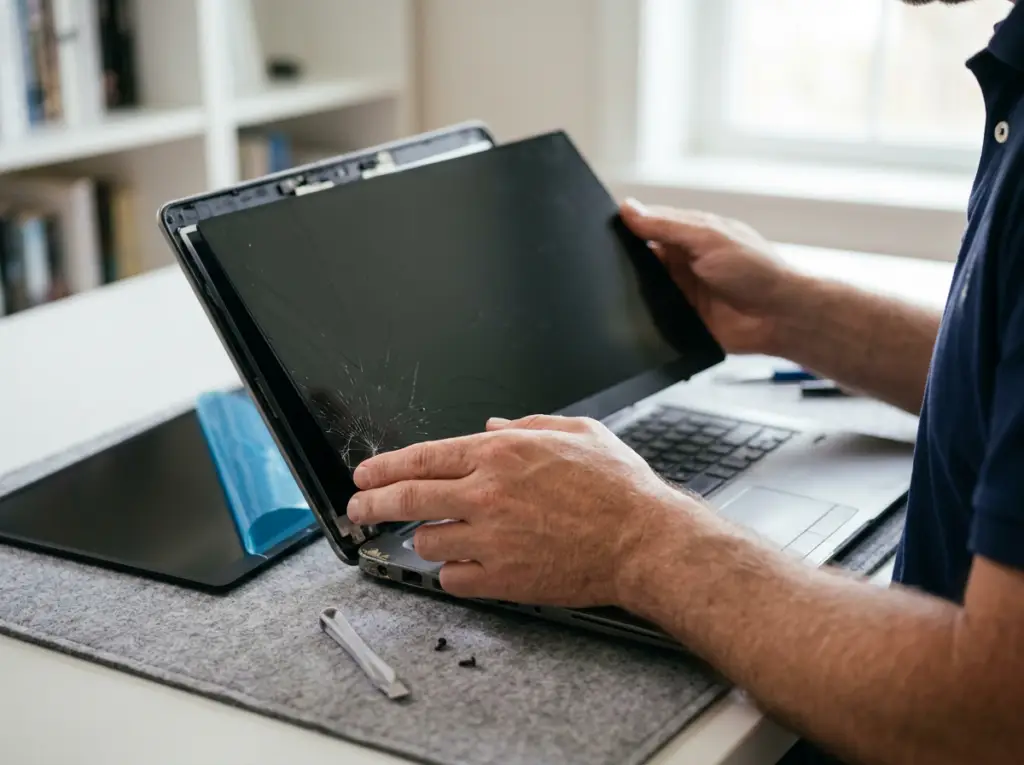
Screens
01 · Screens
Laptop Screen Repair
A broken or dim screen makes a laptop unusable. We replace the parts that light and display the picture.
Problems we fix
- Cracked panel
- Dim or flickering picture
- Dark screen
What's included
- Screen panel replacement
- Backlight replacement
- Inverter repair or replacement

A clear, bright display without buying a new laptop.
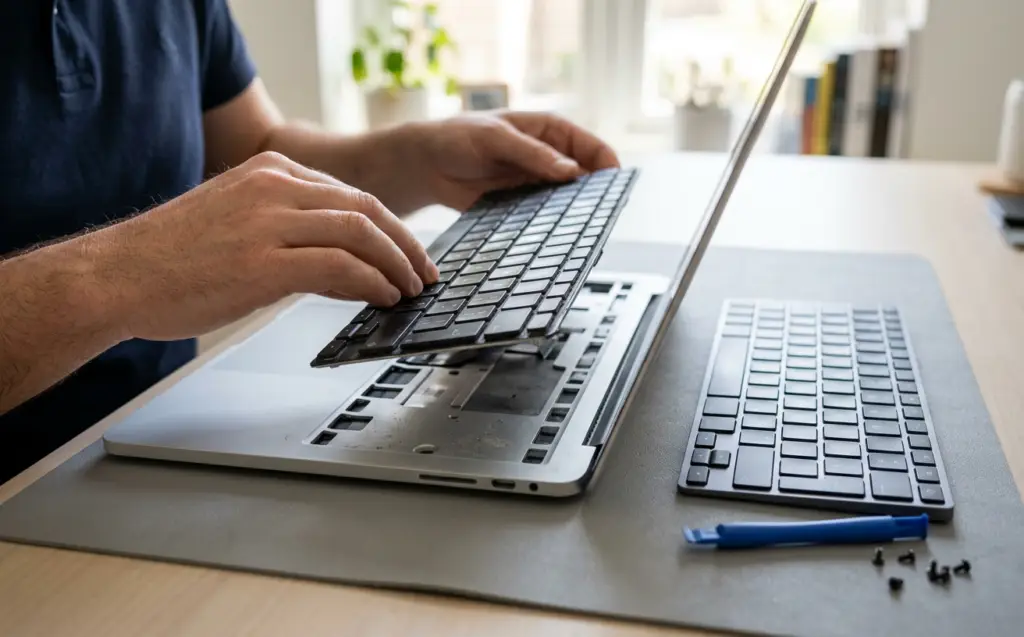
Keyboards
02 · Keyboards
Laptop Keyboard Repair
One dead key can stop your work.
Problems we fix
- Sticking keys
- Missing keys
- Unresponsive keys
What's included
- Individual key repair
- Full keyboard replacement, depending on the damage
Repairing a single key when that's all it needs keeps the cost down.
Ports
03 · Ports
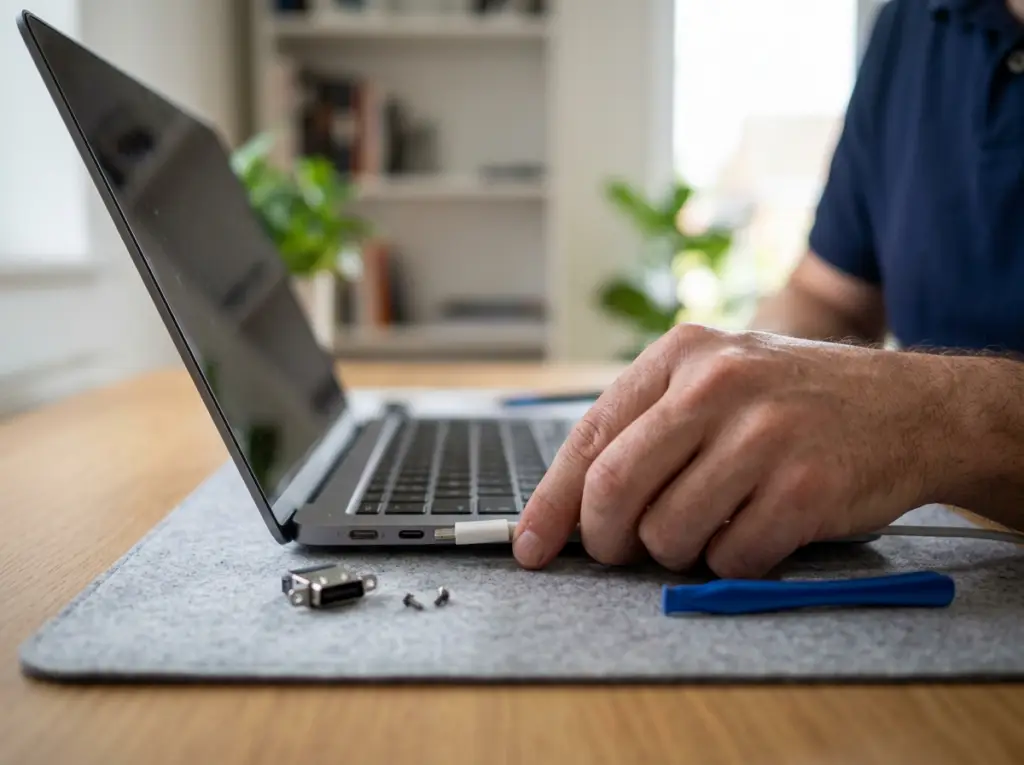
Charging Port and Connector Repair
Ports wear out and break from daily plugging and unplugging.
Problems we fix
- Charger won't connect
- Charger only works at an angle
- Loose USB or network ports
What's included
- Repair of the damaged port where possible
- Replacement of power, USB and network connectors when not
Reliable charging and connections again.
Cooling
04 · Cooling
Overheating and Cooling Repair
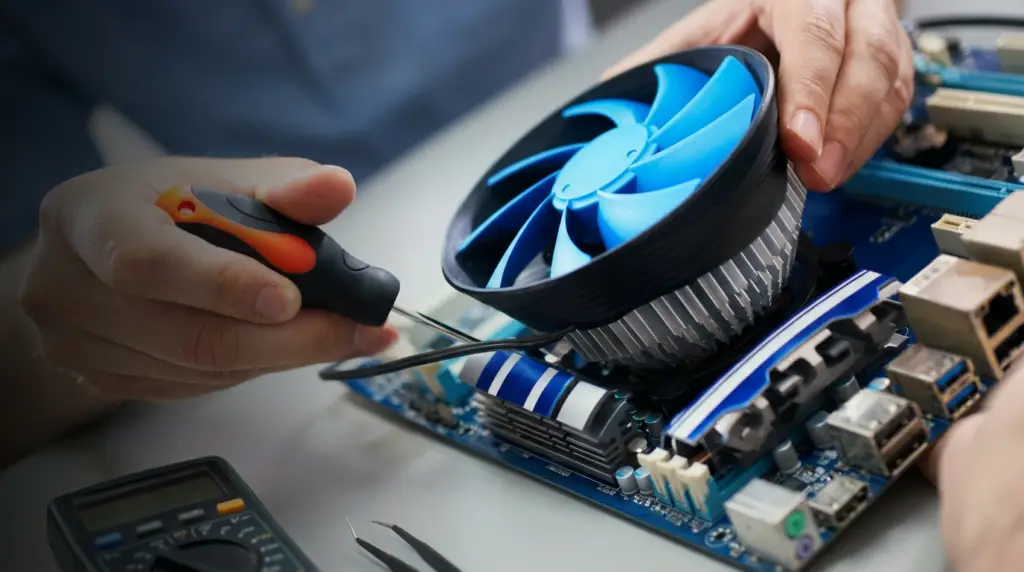
Overheating is one of the most common reasons laptops need service.
Problems we fix
- Hot base
- Loud fan
- Slowdowns
- Sudden shutdowns
What's included
- Cleaning dust from the cooling system and vents
- Fan (cooler) replacement when cleaning isn't enough
A cooler, quieter laptop and less risk of heat damage to other parts.
Motherboards
05 · Motherboards
Motherboard and Liquid-Damage Repair
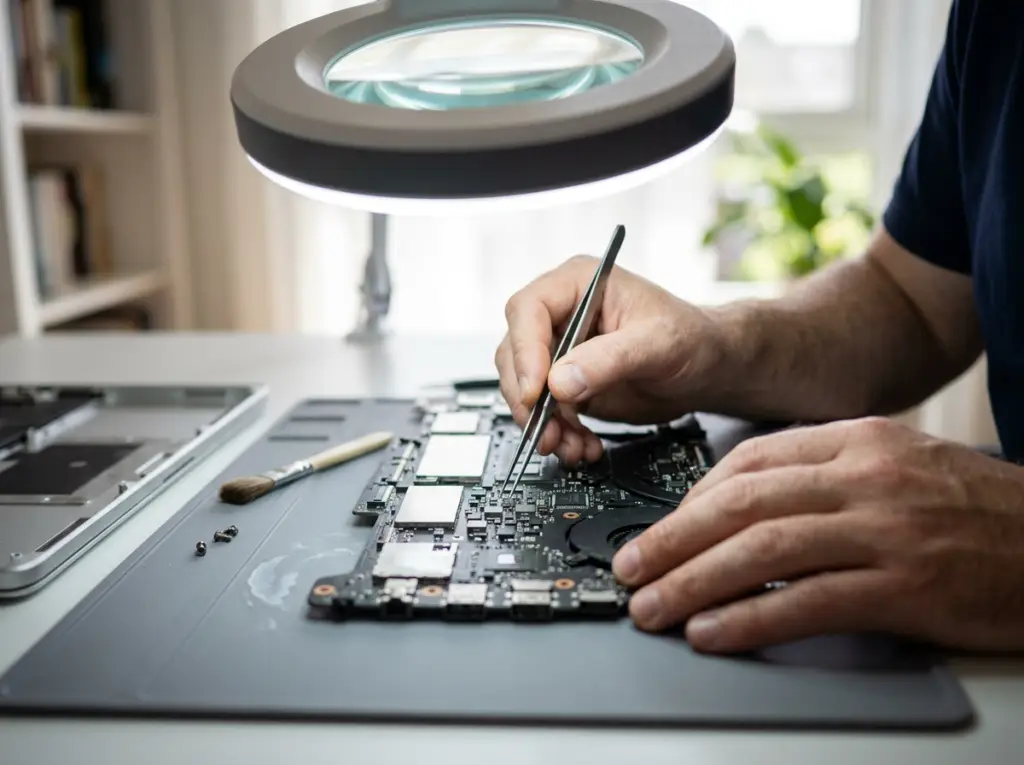
When the problem is on the main board, we diagnose and repair down to the component level.
Problems we fix
- Laptop won't power on
- No video
- Damage after a spill
What's included
- Component-level motherboard diagnosis and repair
- Video chip replacement
- Motherboard repair after liquid damage
- Motherboard or video card replacement when repair isn't practical
Often saves a laptop that would otherwise be written off.
Storage
06 · Storage
Hard Drive Replacement and Upgrades
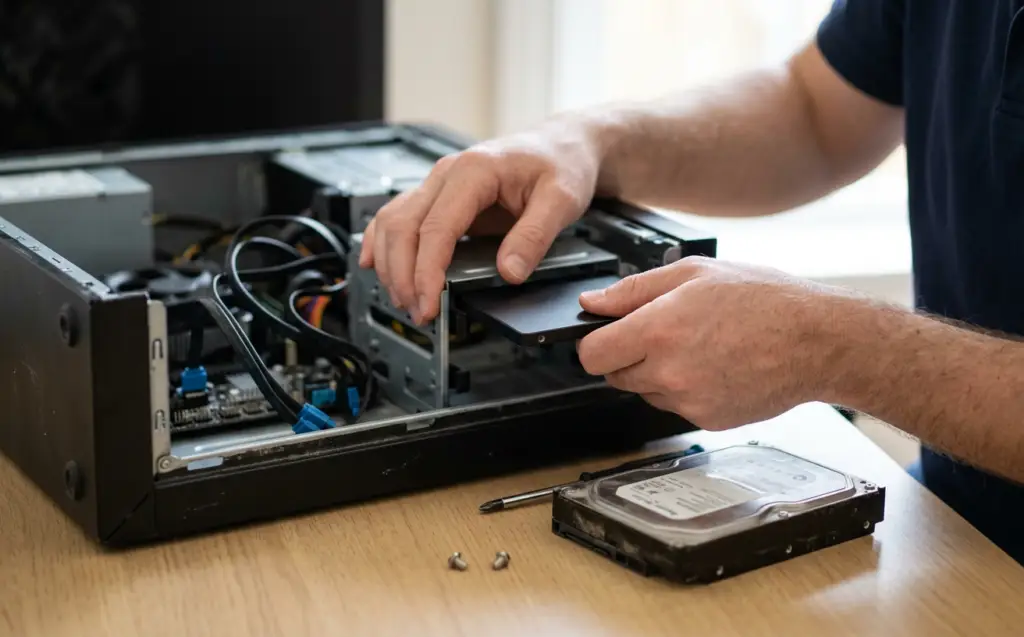
A failing drive slows everything down and puts your files at risk.
Problems we fix
- Slow startups
- Clicking sounds
- Files that won't open
What's included
- Hard drive replacement
- Memory (RAM) installation
A faster, more reliable laptop.
Software
07 · Software
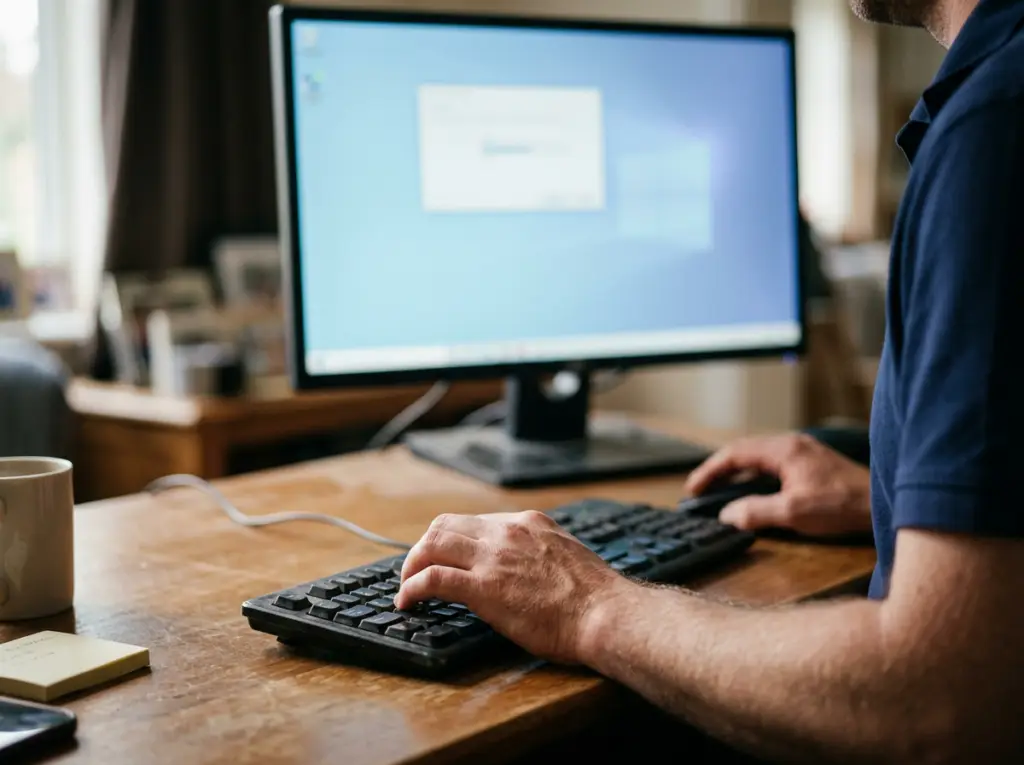
Laptop Software and Windows Repair
Not every laptop problem is physical.
Problems we fix
- Slowdowns or crashes after a Windows 11 upgrade
- Software conflicts
- Programs that won't install
What's included
- Windows 11 upgrade troubleshooting
- Performance optimization
- Software installation
- Resolving program conflicts
- Data transfer to a new system
A laptop that runs smoothly with the tools you rely on.

MacBooks
08 · MacBooks
MacBook Repair
We also repair Apple laptops.
Problems we fix
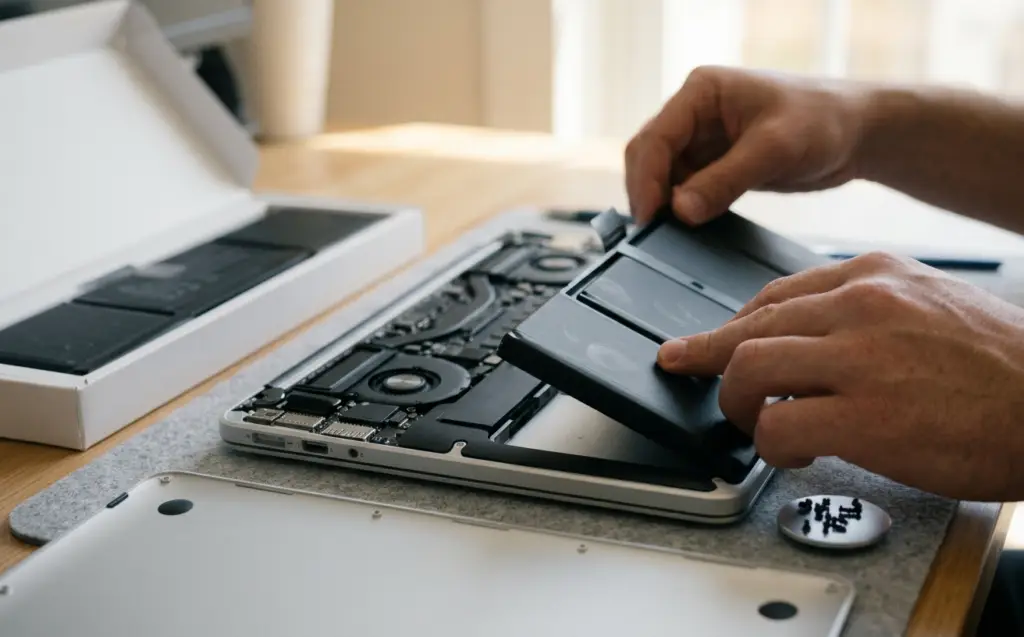
- Worn battery
- Failed keyboard or screen
- Dead drive
- Water damage
What's included
- MacBook, MacBook Air and MacBook Pro battery replacement
- Keyboard and screen replacement
- Drive replacement
- Water-damage repair
Your MacBook working again without a store appointment.
Laptops We Repair
We repair Windows laptops and MacBooks, new or old, from these manufacturers and more. Have a different brand or model? Call and we'll confirm.
Dell
HP
Lenovo
ASUS
Acer
MSI
Toshiba
Samsung
Sony
LG
Fujitsu
Gateway
Apple MacBook
MacBook Air
MacBook Pro
Systems: Windows, including Windows 11, and macOS on MacBooks

Laptop Repair for Home and School
For students and families, the laptop holds homework, photos and everyday life. We fix spills, cracked screens, worn keyboards and overheating, and help a slow laptop run like it should again.
Book a Home Visit →
Laptop Repair for Professionals and Businesses
For on-the-go professionals, a laptop is the office. We repair business laptops at your workplace, keep your team's tools working after Windows upgrades, and can connect you with ongoing managed IT support for the whole company.
Get Business Support →How We Deliver Laptop Repair

Onsite Service
A technician comes to your home or office for diagnosis and most repairs.

By Appointment
We schedule a time that suits you.

Phone Help
Get a preliminary diagnosis and price by phone; existing customers get free phone support.
How Laptop Repair Works
1
Tell us about your laptop
Brand, model and what it's doing.
2
Get a preliminary price
We give you an estimate by phone.
3
Free diagnosis
We confirm the cause and the exact cost before starting.
4
Repair and demonstration
We fix it and show you it working.
5
Guarantee and prevention tips
A guarantee card and advice to help avoid a repeat.
Why Choose Us for Laptop Repair

Repair Before Replace
We fix screens, keys and ports individually so you don't pay for a new laptop.
Board-Level Skills
Component-level motherboard repair, including after spills.

Free Diagnosis
Know the cause and price before you decide.

Work That's Guaranteed
You receive a written guarantee card for your repair.
We Come to You
Onsite service at your home or office.

Licensed, Bonded and Insured
Protection while we work in your space.
Related Services
Computer Repair
Desktop and PC repair onsite.
Learn More →
Mac Repair
MacBook, iMac and Mac mini repair.
Learn More →
Virus & Malware Removal
Remove viruses and spyware and restore speed.
Learn More →
Data Recovery
Recover files from failed drives and SSDs.
Learn More →
Network & Wi-Fi Setup
Fix home and office Wi-Fi.
Learn More →Laptop Repair Across Los Angeles
We repair laptops for homes and businesses throughout Los Angeles, the San Fernando Valley and Thousand Oaks. Not sure we cover your area? Call and we'll check.
Laptop Repair FAQs
What laptop problems do you repair?
What laptop problems do you repair?
Cracked or dim screens, dead keys, loose charging and USB ports, overheating, failed hard drives, motherboard faults, liquid damage, and software or Windows 11 problems.
Which laptop brands do you repair?
Which laptop brands do you repair?
Dell, HP, Lenovo, ASUS, Acer, MSI, Toshiba, Samsung, Sony, LG, Fujitsu, Gateway and Apple MacBooks. For other brands, call and we'll confirm.
Can you help with a slow or freezing laptop?
Can you help with a slow or freezing laptop?
Yes. We look for the cause — overheating, a failing drive, malware or software conflicts — and fix it.
Can you fix a cracked screen or broken keyboard?
Can you fix a cracked screen or broken keyboard?
Yes. We replace screen panels and backlights, and repair individual keys or replace the whole keyboard.
I spilled liquid on my laptop. Can it be saved?
I spilled liquid on my laptop. Can it be saved?
Often. We repair motherboards after liquid damage. Turn the laptop off and call us.
Do you remove viruses?
Do you remove viruses?
Yes — see Virus & Malware Removal.
Can you recover files from my laptop?
Can you recover files from my laptop?
Our Data Recovery service can often recover files from failed hard drives and SSDs.
Do you come to me, or do I bring my laptop in?
Do you come to me, or do I bring my laptop in?
We come to your home or office.
How much does it cost?
How much does it cost?
Diagnosis is free. You get a preliminary price by phone and the exact cost before work begins.
How do I request service, and what should I tell you?
How do I request service, and what should I tell you?
Call 818-704-7588 or use our contact page. Tell us the brand and model, what's happening and when it started.
What areas do you serve?
What areas do you serve?
Los Angeles, the San Fernando Valley and Thousand Oaks.
Get Your Laptop Fixed
Tell us what's wrong. We'll diagnose it free and explain the fix before we start.