
Cloud Services
Cloud Services for Los Angeles Businesses
Store files securely, back up automatically and work from anywhere — without buying or maintaining more hardware. We plan, migrate and manage your move to the cloud.
Your Business, Accessible From Anywhere
Cloud services deliver storage, computing, software and security over the internet. Instead of buying and maintaining servers, you pay for what you use and scale up or down as your business changes.
Mobile Computer Repair helps businesses make that move. We recommend the right cloud setup, migrate your data and applications, secure them, set up backup and recovery, and manage it afterward. Our team's credentials include AWS Certified Solutions Architect expertise — the design, migration and cost-control skills that keep a cloud move on track and on budget.
Not sure where to start? Book a free consultation.
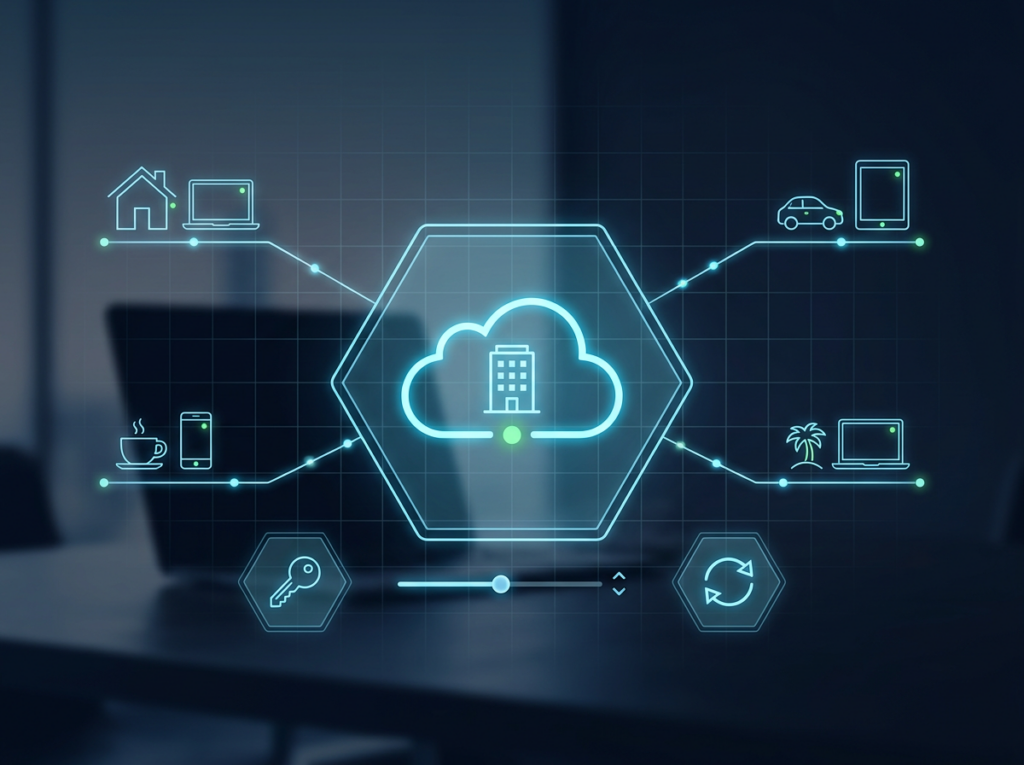
Is It Time to Move to the Cloud?

Files Only Live on One Computer
Staff can't reach work files from home or on the road.

No Offsite Backup
A fire, flood or failed drive could wipe out your data.

An Aging Server
Replacing on-site hardware is expensive and disruptive. See server support.

Unpredictable IT Costs
Large upfront hardware purchases strain the budget.

Growing Fast
Your systems need to keep up without a rebuild.

Security Worries
Sensitive data needs stronger protection.
Our Cloud Services
Pay for the services you choose — from the first plan to ongoing management.

Consulting
01 · Consulting
Cloud Consulting
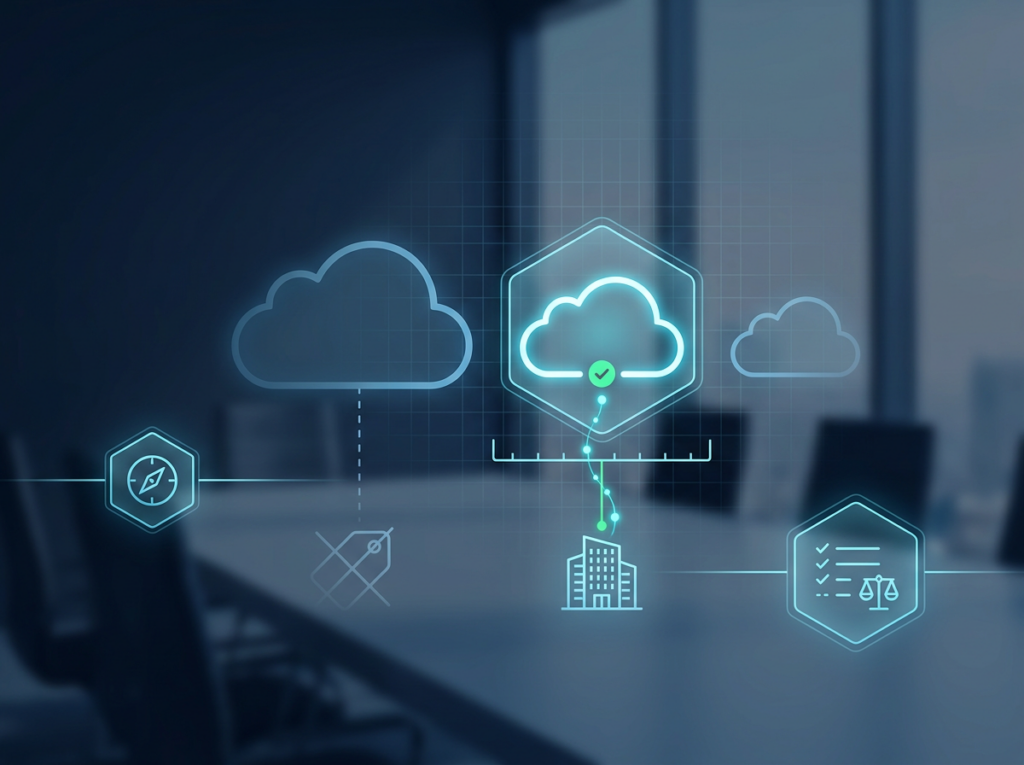
The right cloud setup depends on your data, apps, budget and team.
What's included
- Guidance on choosing the right cloud solution and services for your business

No paying for what you don't need.

Migration
02 · Migration
Cloud Migration
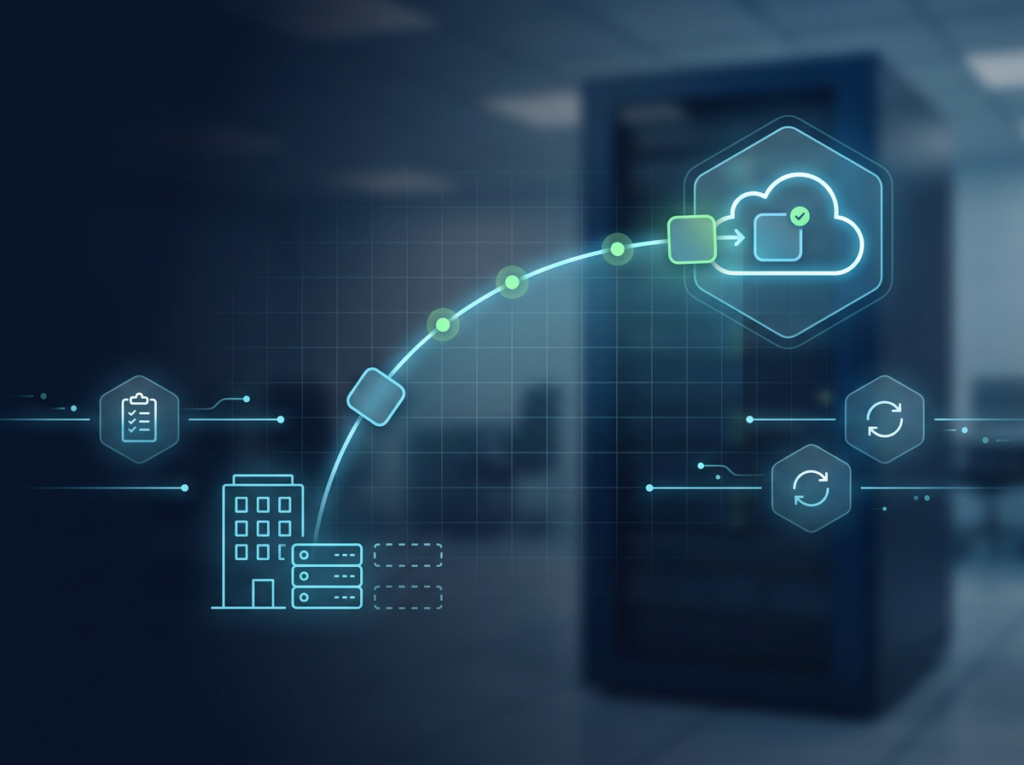
Move what you run today to the cloud with a tested plan.
What's included
- Migrating and integrating your data and applications
- “Lift and shift” moves of existing on-premises applications
A smooth move with minimal disruption.
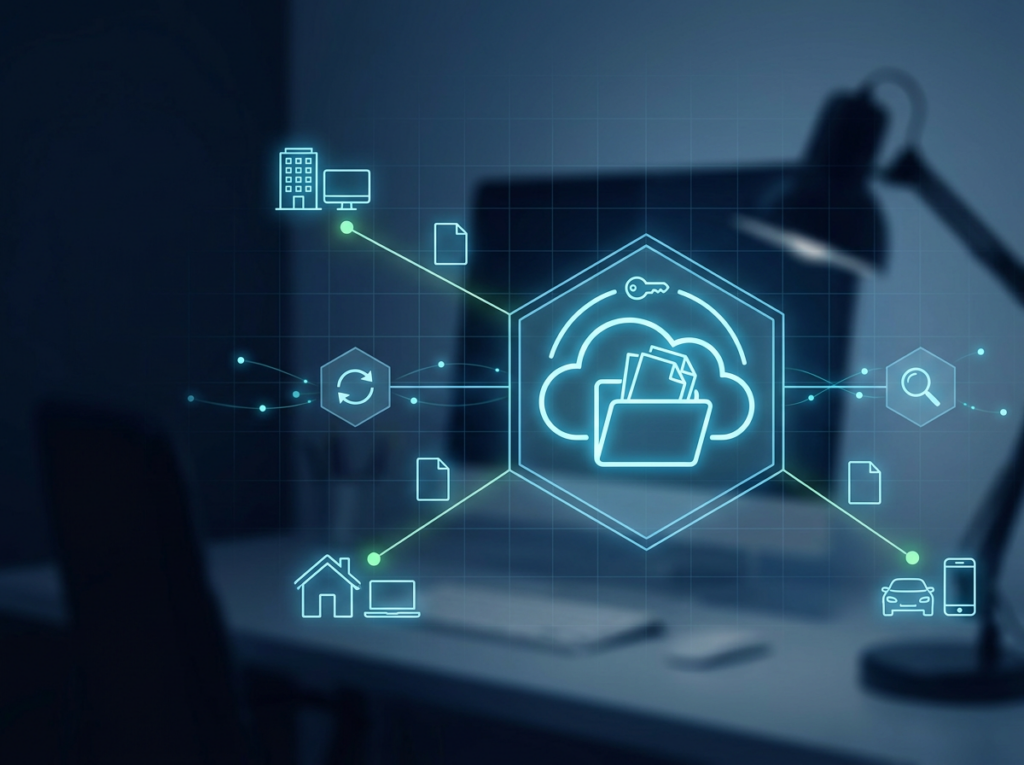

Storage
03 · Storage
Cloud Storage
Your files, safely stored and reachable from anywhere.
What's included
- Secure cloud file storage
- Online file access for your team
Work from the office, home or the road.
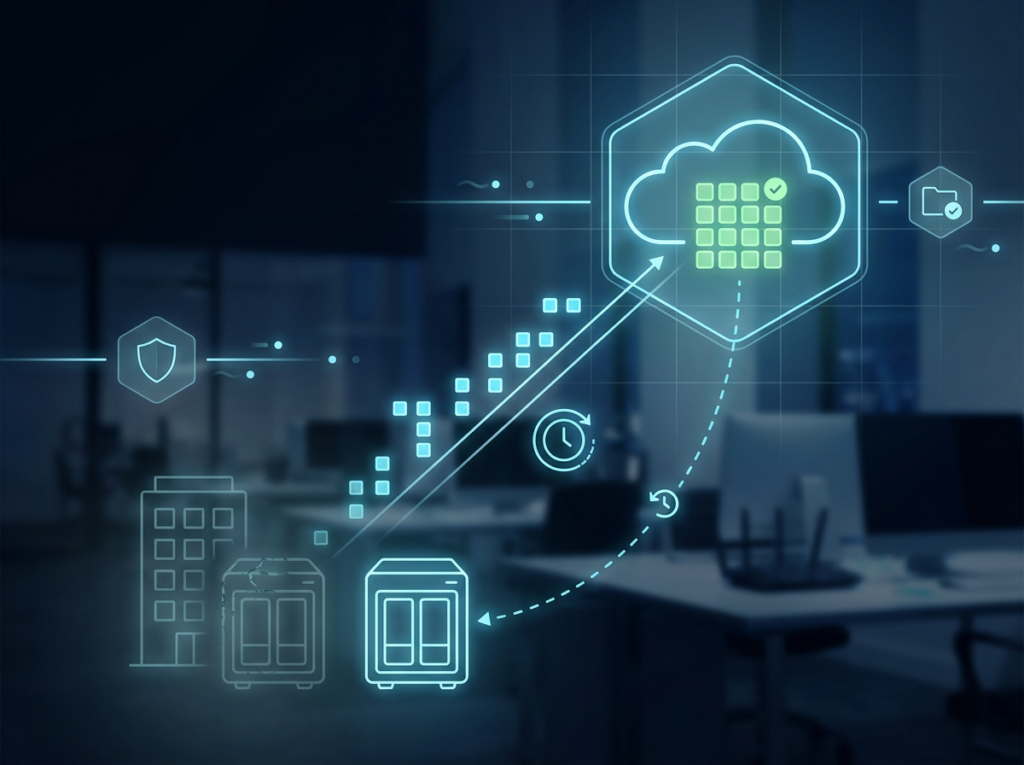

Backup & Recovery
04 · Backup & Recovery
Cloud Backup and Recovery
Protect critical data from hardware failure, disaster or deletion.
What's included
- Automatic cloud backup and restore
- Network storage devices that back up to the cloud
Your data survives even if your office equipment doesn't.
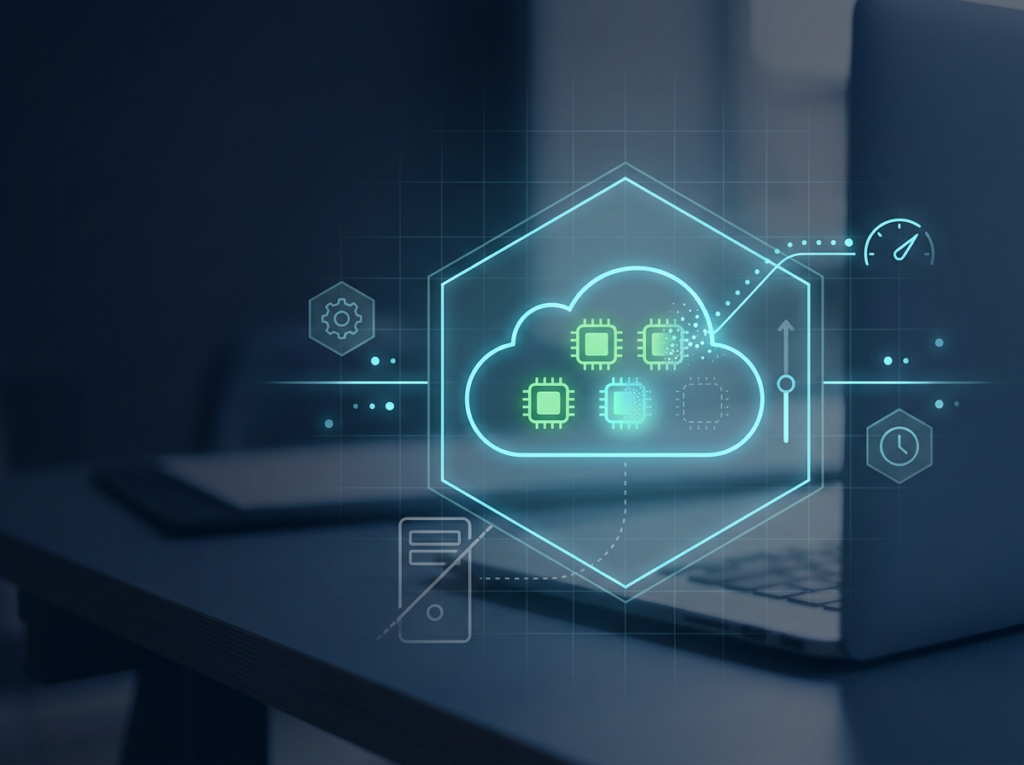
Computing
05 · Computing
Cloud Computing
Run applications without managing physical servers.
What's included
- Cloud computing resources without managing hardware
Scale up for busy periods and pay only for what you use.
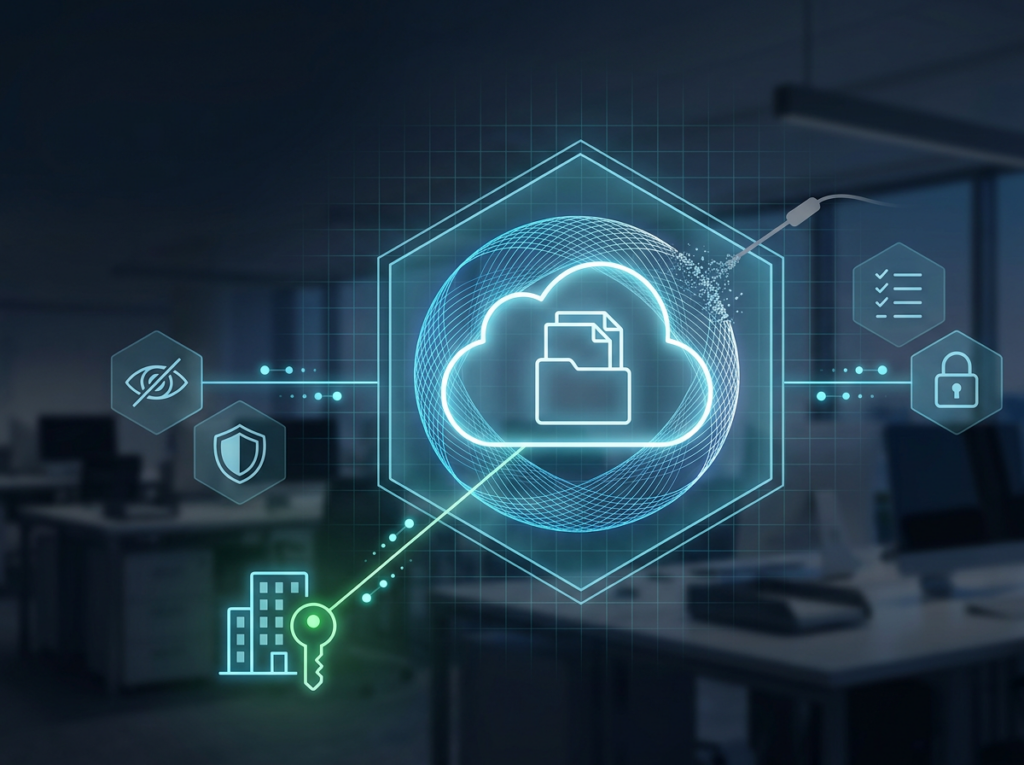
Security
06 · Security
Cloud Security
Moving to the cloud shouldn't mean giving up control.
What's included
- Security measures to protect sensitive information in the cloud
Confidence that business data stays private.
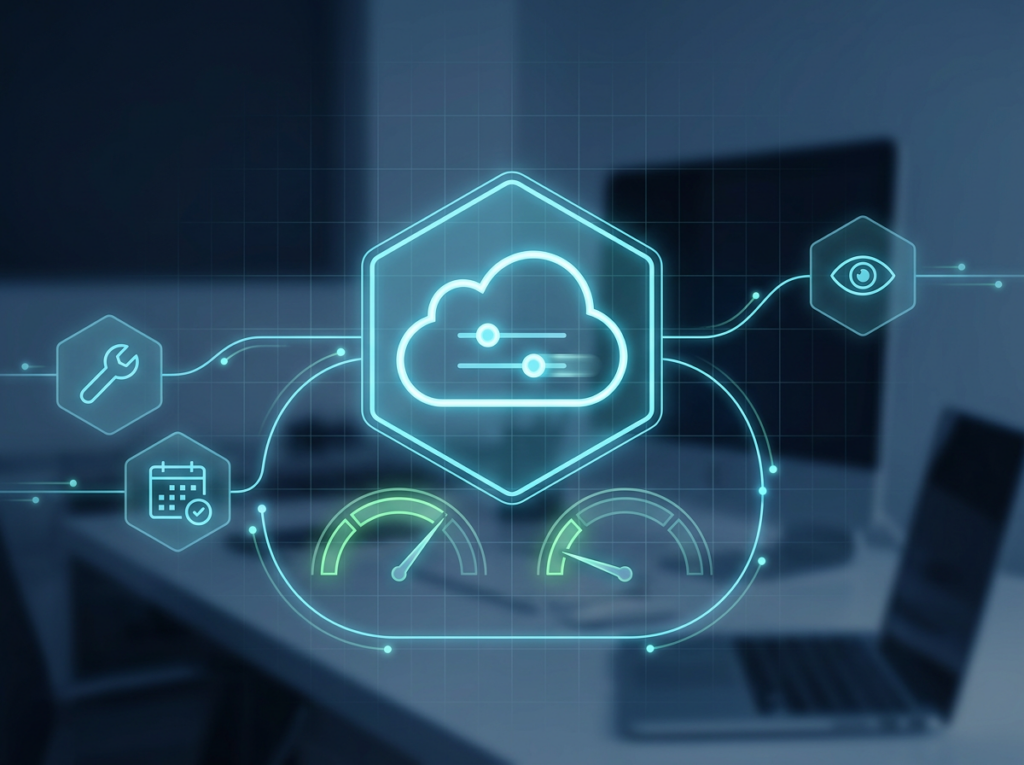

Management
07 · Management
Cloud Management and Optimization
After the move, we keep it running well.
What's included
- Ongoing management and optimization of your cloud services
- Standalone or as part of managed IT
Performance and costs that stay on track.
Cloud Solutions for Businesses of Every Size
From small teams that want files available everywhere to established companies replacing aging servers, cloud services fit businesses at every stage. If your team works remotely, your server is due for replacement, or you have no offsite backup, the cloud is worth a conversation.
Your team works remotely
Your server is due for replacement
You have no offsite backup
How We Work
Free Consultation
Talk through your needs before committing.
Migration Projects
Planned and carried out with your team.

Ongoing Management
Through managed IT.

Onsite Help
Local technicians for setup at your office.
How a Cloud Move Works
1
Free consultation
Your goals, data, apps and budget.
2
Plan and estimate
The right services, with cost estimates and controls.
3
Migrate
Data and applications moved and integrated.
4
Secure and back up
Security measures and backup set up.
5
Manage and optimize
Ongoing management to keep performance and costs on track.
Benefits of Moving to the Cloud

Lower Upfront Costs
Pay as you go instead of buying hardware.

Work From Anywhere
Access files and apps over any internet connection.

Scale on Demand
Add or reduce capacity as the business changes.

Disaster Recovery
Offsite backup keeps critical data safe.

Focus on Your Business
We handle the infrastructure so you don't have to.
Why Choose Mobile Computer Repair for Cloud Services

AWS Certified Expertise
Cloud design, migration and cost-control skills on the team.
Free Consultation
Advice before you spend anything.
Pay for What You Choose
Services matched to your needs and budget.

Local and Hands-On
A team that can also come to your office.

Cloud Plus Everything Else
Servers, networks, security and backup under one roof.
Related Services

Managed IT Services
Ongoing management including cloud.
Learn More →
Business Server Support
Servers, upgrades, migration.
Learn More →
Data Recovery
Recover lost files.
Learn More →
Firewall & Network Security
Network protection.
Learn More →
Business IT Consulting
Plan budgets and projects.
Learn More →Cloud Services Across Los Angeles
We help businesses throughout Los Angeles, the San Fernando Valley and Thousand Oaks move to and manage the cloud.
Cloud Services FAQs
What are cloud services?
What are cloud services?
Computing resources — storage, servers, software, security — delivered over the internet, so you pay for what you use instead of buying and maintaining hardware.
Is the cloud right for a small business?
Is the cloud right for a small business?
Often, yes. Businesses of all sizes use the cloud for remote access, backup and lower upfront costs. A free consultation will tell you if it fits.
Can you move our existing server and files to the cloud?
Can you move our existing server and files to the cloud?
Yes. We migrate data and applications, including “lift and shift” moves of existing on-premises applications.
How much will the cloud cost?
How much will the cloud cost?
It depends on what you use. We estimate costs and set up cost controls before you move.
Is our data safe in the cloud?
Is our data safe in the cloud?
We set up cloud security measures to protect sensitive information.
Do you set up automatic backups?
Do you set up automatic backups?
Yes — cloud backup and recovery, including network storage devices that back up to the cloud automatically.
Can you manage our cloud after the move?
Can you manage our cloud after the move?
Yes, through ongoing management and optimization in our managed IT services.
Is the consultation really free?
Is the consultation really free?
Yes.
What areas do you serve?
What areas do you serve?
Los Angeles, the San Fernando Valley and Thousand Oaks.
Ready to Move to the Cloud?
Book a free consultation. We'll look at your data, apps and budget and recommend the right cloud setup.