
Home › Services › Computer Repair
Onsite Computer Repair
Computer Repair in Los Angeles — We Come to You
Desktop, laptop or Mac that won't start, keeps crashing or runs hot? Our technicians repair it at your home or office, with a free diagnosis.
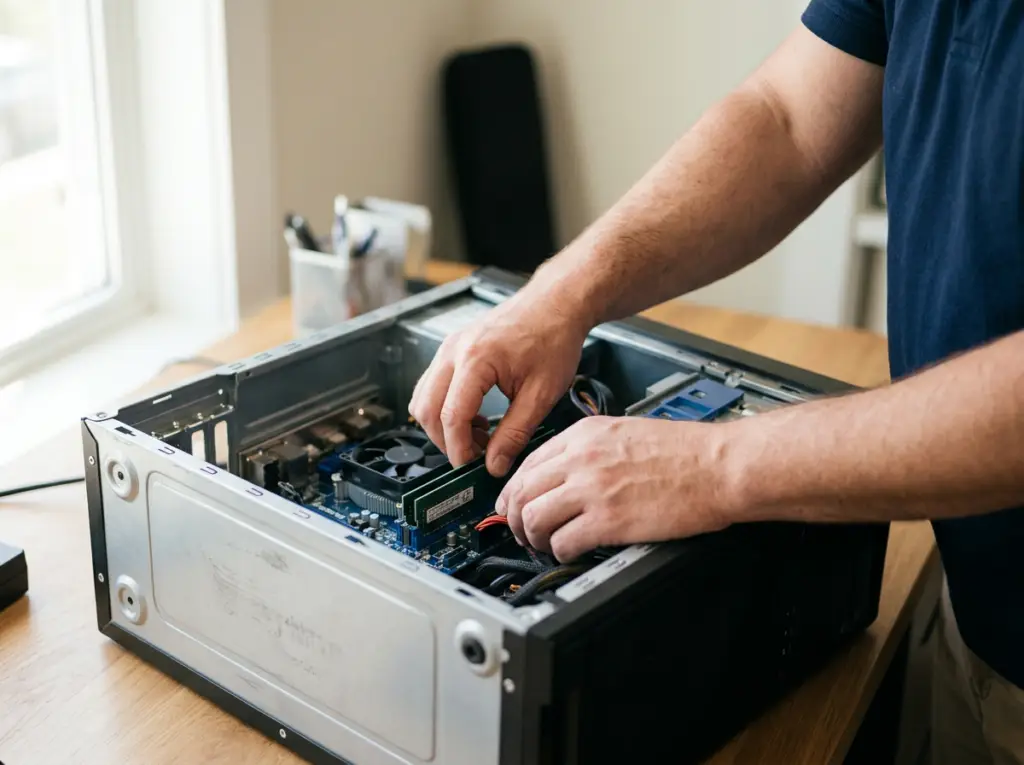

Free diagnosis

Onsite at home or office

By appointment
Professional Computer Repair, Without the Trip to a Shop
Mobile Computer Repair fixes desktops, laptops and Macs for households, home offices and businesses. Instead of unplugging your computer and carrying it across town, you book a visit and a technician comes to you.
We handle hardware failures such as dead power supplies, damaged motherboards, broken screens and worn keyboards, and software problems such as blue screens, Windows errors and painfully slow startups.
Every job starts with a free diagnosis. Guessing at a fix wastes money; finding the actual cause means you pay only for the repair you need. We explain what's wrong, what we'll do and what it costs before any work begins.
Ready to start? Call and describe the problem — we'll give you a preliminary price over the phone.
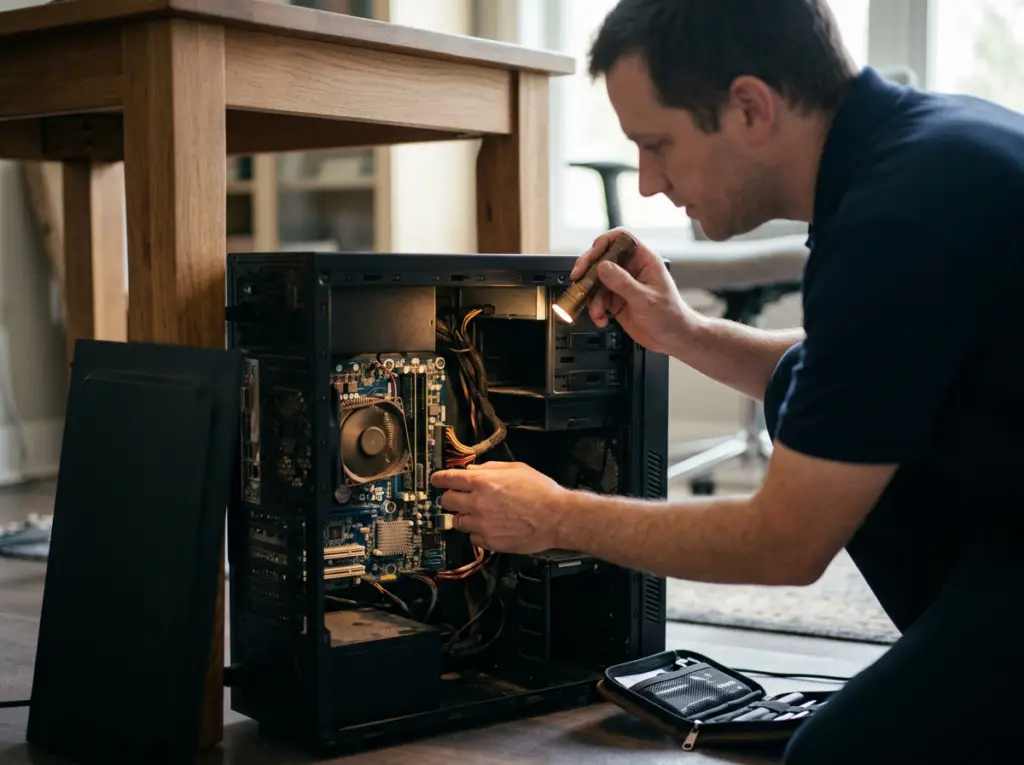
Computer Problems We Fix
Recognize one of these? We can help.

Won't Turn On
No lights, fans or response when you press power.
Our fix: Power supply or motherboard repair

Won't Boot
Windows won't load, or "No bootable device" appears.
Our fix: Drive replacement, Windows repair
Files on the drive? See data recovery

Blue Screen Errors
The "blue screen of death" at startup or during use.
Our fix: Windows and driver repair

Freezing or Restarting
The computer hangs, shuts off or reboots on its own.
Our fix: Diagnosis and hardware or software repair

Slow Performance
Long startups and sluggish programs.
Our fix: Tune-up or SSD upgrade

Overheating
Laptop runs hot, fan is loud, or it shuts down under load.
Our fix: Cooling-system cleaning or fan replacement
More on laptop repair

No Picture
Computer runs but the screen stays dark or dim.
Our fix: Video card, backlight or screen repair

Broken Laptop Parts
Cracked screen, dead keys or a loose charging port.
Our fix: Screen, keyboard or connector replacement
More on laptop repair

Strange Noises
Clicking, grinding or loud fans.
Our fix: Drive or fan diagnosis

Keyboard, Mouse or USB Problems
Devices, printers or external drives not recognized.
Our fix: Driver installation, port repair

Programs or Windows 11 Errors
Apps crash after an update or upgrade.
Our fix: Windows repair, software conflict fixes

Virus Symptoms
Pop-ups, redirects or a screen demanding payment.
Our fix: Virus and malware removal

No Internet
Computer won't connect, or the connection crawls.
Our fix: Network troubleshooting
Our Computer Repair Services
From a single failed part to a full system restore, here's what our technicians handle.
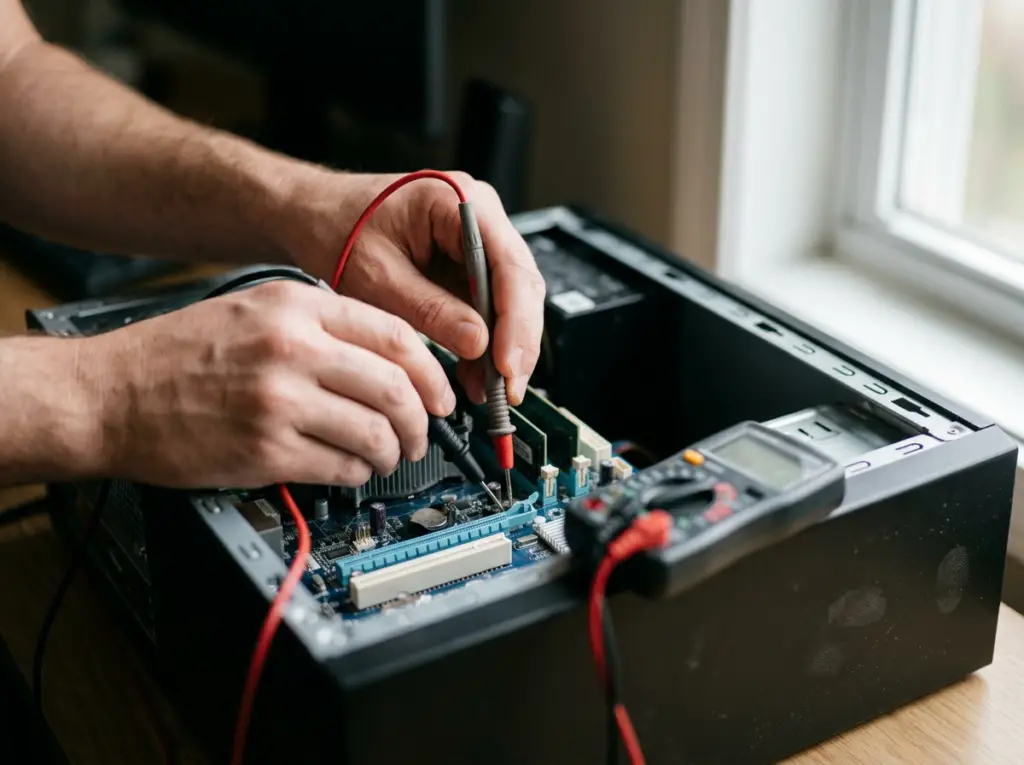
Diagnosis
01 · Diagnosis
Free Computer Diagnosis
Before we fix anything, we find out exactly what's wrong.
Problems we fix
- Unexplained failures
- Crashes
- Slowdowns
What's included
- Testing of the system, motherboard, video card and drives with professional diagnostic equipment
- A clear explanation of the cause
- Repair plan and cost before any work

You decide with full information and pay only for the repair you need.
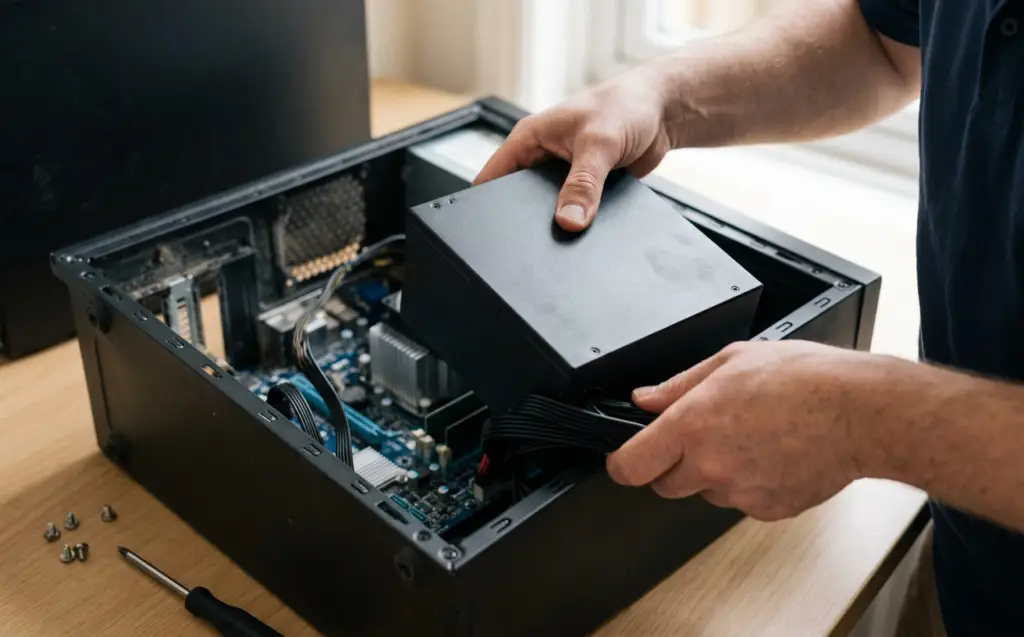

Hardware
02 · Hardware
Desktop and PC Hardware Repair
When a part inside your desktop fails, we repair or replace it.
Problems we fix
- No power
- No picture
- No boot
- Random shutdowns
- Noisy drives
What's included
- Motherboard repair, including component-level soldering
- Power supply replacement
- Hard drive and DVD/CD drive replacement
- Motherboard and video card replacement
- BIOS updates and programming
Often brings a computer back without the cost of replacing it; spare parts kept in stock help avoid long waits.
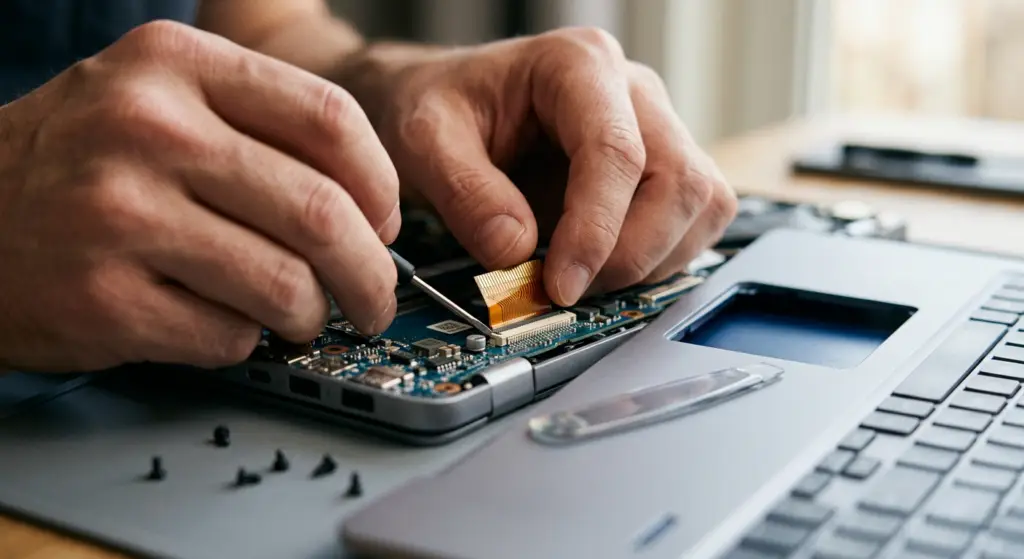
Laptops
03 · Laptops
Laptop Repair
Laptops take more knocks than desktops. We fix the parts that fail most.
Problems we fix
- Cracked or dim screens
- Dead keys
- Loose charging or USB ports
- Overheating
- Failed drives
- Liquid spills
What's included
- Screen backlight and panel replacement
- Keyboard repair or replacement
- Power, USB and network port replacement
- Cooling-system cleaning and fan replacement
- Hard drive replacement
- Motherboard repair, including liquid damage
Keeps the laptop you rely on — plus advice on preventing the same problem again.
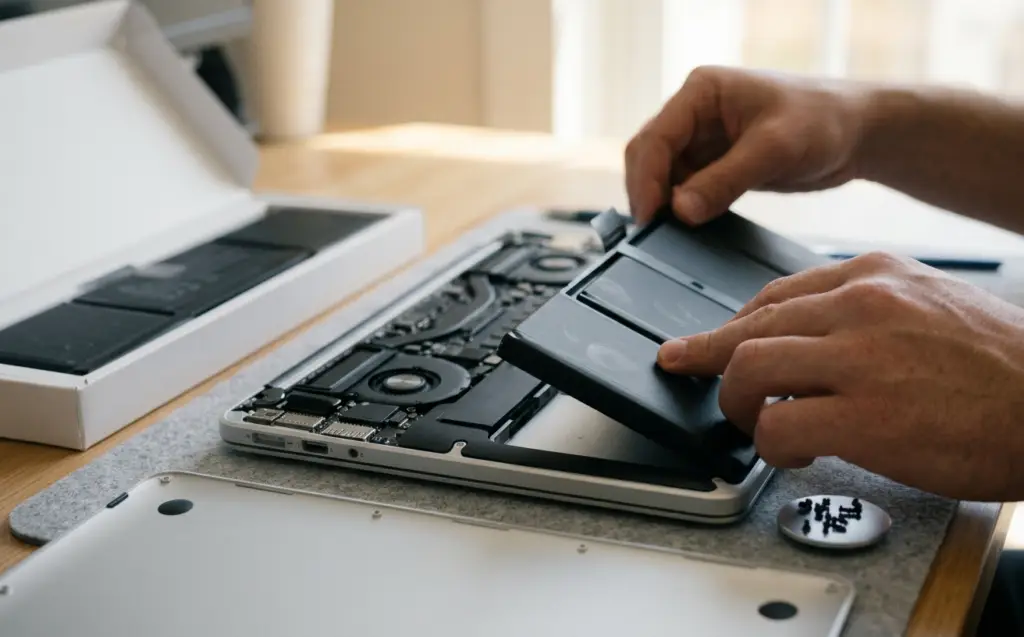

Macs
04 · Macs
Mac Repair
We also repair Apple computers.
Problems we fix
- Worn batteries
- Failed keyboards or screens
- Dead drives
- Water damage
What's included
- MacBook, MacBook Air, MacBook Pro, iMac and Mac mini repairs
- Battery replacement
- Keyboard replacement
- Screen and hard drive replacement
- Water-damage repair
Your Mac working again without a store appointment.
Software
05 · Software
Windows and Software Repair
Not every problem is hardware. We fix the software that keeps your computer running.
Problems we fix
- Blue screens
- Windows that won't load
- Programs crashing
- Devices not recognized
- Windows 11 upgrade problems
What's included
- Windows configuration, updates and restore
- Device driver installation
- Software conflict fixes
- Windows 11 upgrade help
A stable system without wiping and starting over.
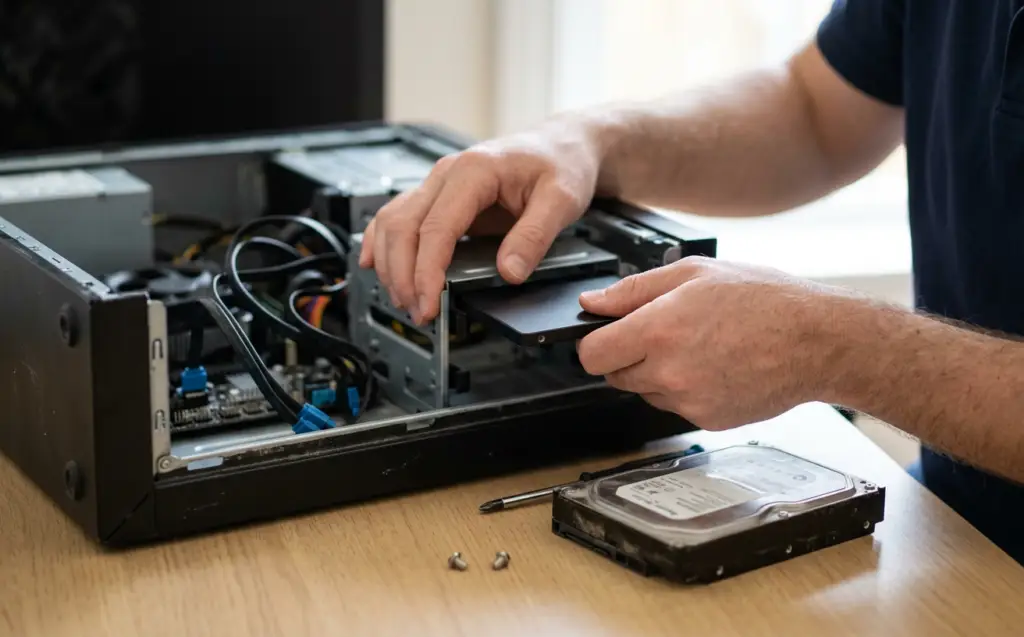
Performance
06 · Performance
Tune-Ups and Performance Upgrades
A slow computer isn't always a dead one.
Problems we fix
- Long startups
- Sluggish programs
- An older machine falling behind
What's included
- A computer tune-up to improve speed and reduce the risk of crashes and corrupted files
- Upgrade to a solid-state drive with your existing system copied over exactly
More life and speed from the computer you already own.

New PCs
07 · New PCs
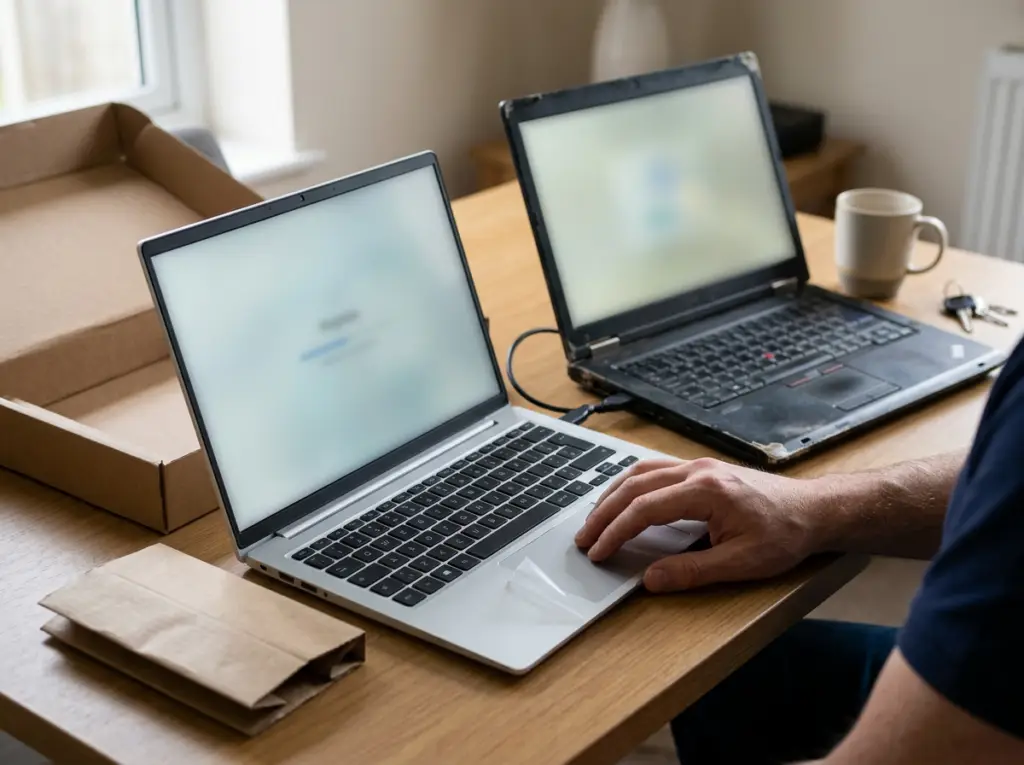
New Computer Setup and Data Transfer
Bought a new computer? We'll make it feel like yours.
Problems we fix
- Getting a new PC set up with everything from the old one
What's included
- Setup and personalization in your home
- Moving all your files from the old computer
- Connecting to your internet
- Setting up backups
- Showing you what's new
Working on day one with nothing lost.
Computers We Repair
We work on Windows and Mac computers, new or old — desktops, laptops, home computers and business workstations.
Desktop and tower PCs
Windows computers, including Windows 11
Laptops from Dell, HP, Lenovo, ASUS, Acer, MSI, Toshiba, Samsung, Sony and more
MacBook, MacBook Air, MacBook Pro, iMac and Mac mini

Business workstations

Home Computer Repair
When the home computer fails, school, work and family photos go with it. We come to your home to fix desktops and laptops, speed up slow machines, and set up new computers with everything moved over from the old one. If you work from home, we can also sort out the Wi-Fi and network your computer depends on.
Book a Home Visit →
Business Computer Repair
One failed workstation stops an employee; several can stop the office. We repair business computers onsite with as little disruption as possible, and we can schedule around your busy hours. Beyond the desktop, our team supports Windows Server systems, business networks and ongoing managed IT.
Get Business Support →How We Deliver Service
Onsite at Your Home or Office
A technician comes to you, so your computer never has to leave the building.
By Appointment
We schedule a visit at a time that suits you.

Phone Help
Call for a preliminary diagnosis and price; existing customers get free phone support.
How Computer Repair Works
1
Call and describe the problem
We ask a few questions and give you a preliminary price.
2
Schedule a visit
A technician comes to your home or office.
3
Free diagnosis and a clear plan
We find the cause and confirm the exact cost before starting.
4
Repair and demonstration
We fix it and show you everything working.
5
Written guarantee
You receive a guarantee card for the repair.
Why Choose Mobile Computer Repair
No Trip to a Shop
We repair your computer where it lives.

Know Before You Pay
Free diagnosis, then the exact price before any work.
Repair, Not Just Replace
Professional soldering and diagnostic tools let us fix boards others would swap.

Parts on Hand
A large stock of spare parts helps avoid long waits.

Work That's Guaranteed
You receive a written guarantee card for your repair.

Licensed, Bonded and Insured
Protection for your home and business.

Advice That Prevents Repeats
We explain how to avoid the same problem next time.
Related Services
Virus & Malware Removal
Remove viruses and spyware and restore performance.
Learn More →
Data Recovery
Recover files from failed hard drives, SSDs and servers.
Learn More →
Network & Wi-Fi Setup
Router install, repair and Wi-Fi fixes.
Learn More →
Business Server Support
Windows Server repair, upgrades and migration.
Learn More →
Managed IT Services
Ongoing monitoring and support for businesses.
Learn More →Computer Repair Across Los Angeles
Our technicians provide onsite computer repair throughout Los Angeles, the San Fernando Valley and Thousand Oaks, with offices in Woodland Hills and Encino. Not sure we reach you? Give us a call.
Computer Repair FAQs
What computer problems do you repair?
What computer problems do you repair?
Computers that won't turn on or boot, blue screens, freezing and restarts, slow performance, overheating, dark screens, broken laptop screens, keyboards and ports, strange noises, and USB or device problems. We also repair Windows and software issues.
Do you repair desktops and laptops?
Do you repair desktops and laptops?
Yes — desktops, laptops and Macs, Windows or Mac, new or old.
Do you help both home and business customers?
Do you help both home and business customers?
Yes. We repair home computers and business workstations, and support business servers and networks.
Do you come to me, or do I bring my computer in?
Do you come to me, or do I bring my computer in?
We come to you. Our technicians repair computers onsite at homes and offices by appointment.
How much does computer repair cost?
How much does computer repair cost?
Diagnosis is free. You get a preliminary price by phone and the exact cost after inspection, before any work begins.
Is the repair guaranteed?
Is the repair guaranteed?
Yes. You receive a guarantee card for the repair.
Do you remove viruses and malware?
Do you remove viruses and malware?
Yes — see Virus & Malware Removal.
What if my files are on a failed drive?
What if my files are on a failed drive?
Our Data Recovery service can often recover files from failed hard drives, SSDs and servers. Avoid DIY recovery, which can make the loss permanent.
How do I request service, and what should I tell you?
How do I request service, and what should I tell you?
Call 818-704-7588 or use our contact page. Tell us the type of computer, what it's doing, any error messages and when it started.
What areas do you serve?
What areas do you serve?
Los Angeles, the San Fernando Valley and Thousand Oaks.
Get Your Computer Working Again
Tell us what's going on. We'll diagnose it free and fix it at your home or office.