
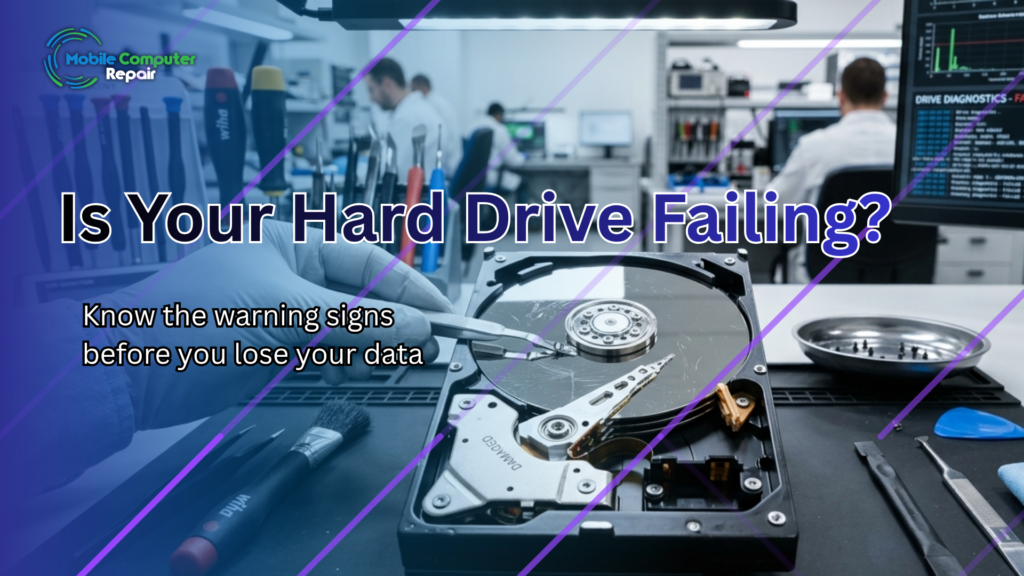
Imagine turning on your computer and finding your files gone. No photos, no documents, no records — just an error message. Sadly, this happens every day. The worst part? Most hard drive failure warning signs appear long before the crash.
Here’s the key. Your hard drive often warns you first. It clicks, slows down, or loses files. However, many people ignore these clues until it’s too late.
At Mobile Computer Repair, we recover lost data every day. So let’s go over the warning signs to watch for — and exactly what to do the moment you spot them.
What Causes a Hard Drive to Fail?
First, it helps to understand why drives fail. Being aware of hard drive failure warning signs can make all the difference when it comes to preventing data loss. After all, knowing the cause makes the signs easier to spot. Here are the most common reasons:
- Age and wear — Every drive has a limited lifespan.
- Physical damage — Drops, bumps, and heat all cause harm.
- Power surges — Sudden spikes can fry internal parts.
- Manufacturing defects — Some drives simply fail early.
- Overuse — Heavy daily use wears parts down faster.
In short, no drive lasts forever. In fact, studies by Backblaze show that failure rates rise sharply with age. Therefore, every drive will eventually need replacing.
The Top Hard Drive Failure Warning Signs
Now for the most important part. Your drive usually gives clear clues before it dies. So watch closely for these warning signs:
1. Clicking or Grinding Sounds
A healthy drive runs quietly. However, clicking, grinding, or whirring noises are bad news. These sounds often mean the internal parts are failing. So if you hear them, act fast.
2. Frequent Crashes and Freezes
Does your computer crash often? Does it freeze for no reason? These problems can point to a failing drive. As a result, you should back up your data right away.
3. Missing or Corrupted Files
Files that vanish or won’t open are a major red flag. Likewise, folders that suddenly appear empty signal trouble. In short, your drive may be losing its grip on your data.
4. Slow Performance
A sudden slowdown can also mean failure. For example, files take forever to open or save. While many things cause slowness, a struggling drive is a common culprit.
5. Frequent Error Messages
Finally, watch for repeated error messages. Warnings about bad sectors or disk errors are serious. Therefore, you shouldn’t ignore them.
What to Do the Moment You Notice These Signs
Spotted a warning sign? Don’t panic — but do act quickly. The right steps can save your data. Here’s what to do:
- Stop using the drive. Every minute of use risks more damage.
- Don’t restart repeatedly. Power cycling can make things worse.
- Back up what you can. Copy your most important files first.
- Avoid DIY repair tools. They often cause further harm.
- Call a professional. Expert recovery offers the best chance.
In other words, fast and careful action matters most. The sooner you stop, the more you can save.
Why You Shouldn’t Try DIY Recovery
It’s tempting to fix a failing drive yourself. However, this often backfires. In fact, DIY attempts are a leading cause of permanent data loss.
Here’s why. A failing drive is fragile and easily damaged further. Worse, opening it outside a clean lab can ruin it for good. Therefore, professional help is the safest path.
The experts know exactly how to handle damaged drives. Even Seagate recommends professional data recovery services for failed drives. As a result, your data has the best chance of coming home.
How Professional Data Recovery Works
So what happens when you bring us a failing drive? The process is careful and thorough. First, we inspect the drive to find the exact problem.
Next, we use specialized tools to access your data safely. Then, we recover as many files as possible without further damage. Finally, we transfer your data to a safe new location.
Throughout, we handle your drive with extreme care. Consequently, you get the best possible outcome — even from badly damaged drives.
How to Prevent Future Data Loss
Recovery is great, but prevention is better. After all, the best fix is avoiding the problem entirely. So protect yourself going forward with these habits:
- Back up regularly — Keep copies in the cloud and on a separate drive.
- Replace aging drives — Don’t wait for a five-year-old drive to die.
- Handle devices gently — Avoid drops, heat, and rough treatment.
- Use surge protection — Guard against sudden power spikes.
With these simple steps, you greatly lower your risk. As a result, your data stays safe for years to come.
Conclusion: Don’t Wait Until It’s Too Late
A failing hard drive rarely dies without warning. Instead, it gives you clues — clicking sounds, crashes, missing files, and more. The trick is to listen and act before total failure strikes.
Once a drive fully fails, recovery gets harder and costlier. However, quick action can save nearly everything. So the moment you notice trouble, stop and get help.
Mobile Computer Repair recovers files from damaged, corrupted, and failed drives — fast. So you don’t have to lose years of memories and records to a single crash.
👉 Contact us today if your hard drive is showing warning signs. You can also explore our Data Recovery and Computer Repair services to protect what matters most.