
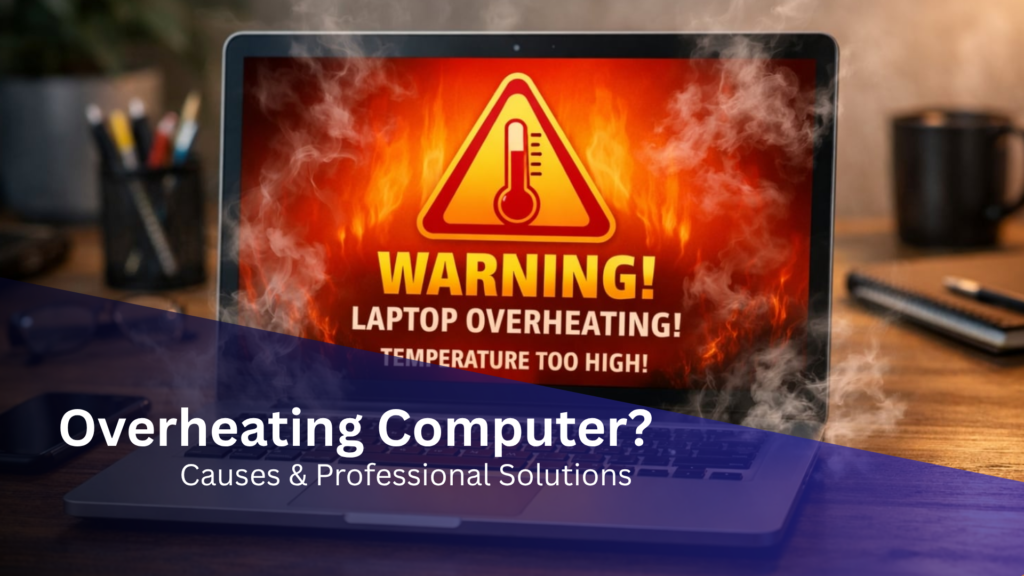
If your computer is running hot, slowing down, or shutting off unexpectedly, you may be dealing with a serious overheating issue. Many Los Angeles businesses and home users search for computer overheating repair in Los Angeles when performance suddenly drops or systems become unreliable.
Overheating is more than a minor inconvenience—it can lead to permanent hardware damage, data loss, and costly downtime. Understanding the causes and knowing when to seek professional help can protect your device and extend its lifespan.
What Causes a Computer to Overheat?
Modern computers generate heat during normal operation, but excessive heat indicates underlying cooling problems or system strain. If you’re experiencing persistent issues, consider seeking computer overheating repair in Los Angeles to prevent damage and restore performance.
Dust and Airflow Blockage
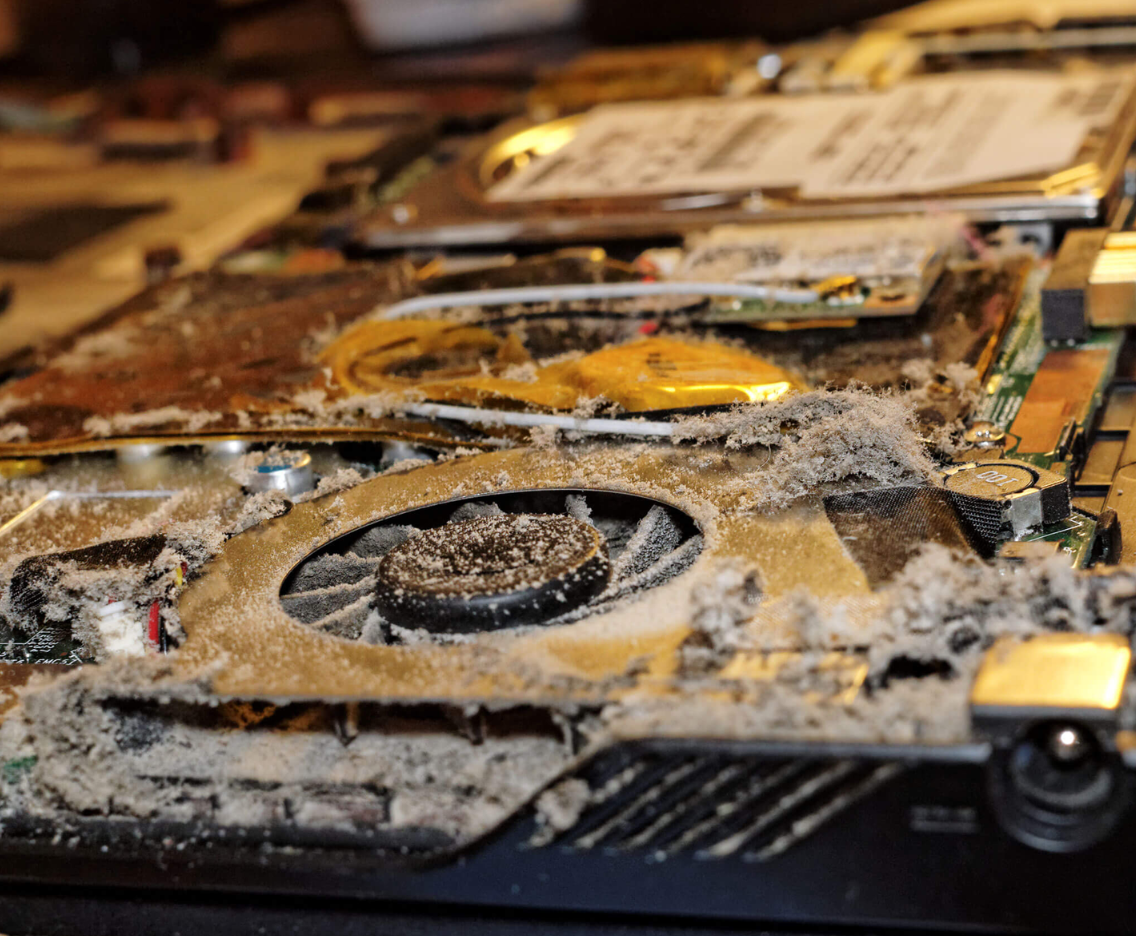
Over time, dust accumulates inside your computer, restricting airflow and trapping heat. This is one of the most common causes of overheating in both laptops and desktops.
Failing Cooling Fans
Cooling fans regulate internal temperature. When they slow down or fail, heat builds up rapidly and affects critical components.
Degraded Thermal Paste
Thermal paste sits between your processor and heat sink. As it ages, it loses effectiveness, reducing heat transfer and causing thermal issues.
Poor Ventilation
Using a laptop on soft surfaces or placing desktops in enclosed spaces can block ventilation and increase internal temperatures.
High System Load
Running multiple applications, heavy software, or background processes can push your CPU and GPU beyond safe limits, especially if cooling systems are compromised.
Warning Signs Your Computer Is Overheating
Recognizing early symptoms can prevent long-term damage. Common indicators include:
- Constantly loud or overactive fans
- Sudden shutdowns or automatic restarts
- Noticeable slowdown in performance
- Freezing or system crashes
- Excessive heat on the keyboard or base
- Error messages related to temperature or hardware
If your computer is consistently running hot, immediate action is recommended.
Practical Solutions You Can Try
Before seeking professional repair, there are several steps you can take to reduce heat and improve performance.
Clean External Vents
Use compressed air to remove dust from vents and fan openings. This helps restore proper airflow.
Use a Proper Surface
Always place your device on a hard, flat surface. Avoid beds, couches, or fabric materials that trap heat.
Reduce Background Activity
Close unused applications and limit heavy multitasking to reduce CPU strain.
Run a Malware Scan
Malicious software can cause excessive system usage, leading to overheating.
Keep Software Updated
Operating system and driver updates often include performance improvements and thermal management fixes.
When to Seek Professional Computer Overheating Repair
If basic troubleshooting does not resolve the issue, professional service is the safest and most effective solution.
At Mobile Computer Repair, overheating issues are handled with precision and care. Professional services may include:
- Internal deep cleaning and dust removal
- Cooling fan repair or replacement
- Thermal paste reapplication
- Heat sink and airflow optimization
- Full hardware diagnostics and stress testing
Delaying repair can result in permanent damage to your CPU, GPU, or motherboard—components that are significantly more expensive to replace.
Preventing Future Overheating Issues
Proactive maintenance is key to keeping your system stable and efficient.
- Schedule routine cleaning every 3–6 months
- Keep your device in a well-ventilated environment
- Avoid prolonged use under heavy load without cooling support
- Use certified and energy-efficient hardware
- Follow proper safety standards for electronics
Regular maintenance not only prevents overheating but also improves overall system performance.
Computer Overheating Repair in Los Angeles
If your computer is overheating and affecting your productivity, professional help is available. Mobile Computer Repair provides on-site and same-day service across Los Angeles, ensuring minimal downtime and fast resolution.
Whether you’re dealing with a laptop running hot or a desktop experiencing severe thermal issues, expert technicians can diagnose and fix the problem efficiently.
👉 Explore related services:
Conclusion
An overheating computer should never be ignored. What starts as a minor cooling issue can quickly escalate into serious hardware failure. By identifying the warning signs early and taking the right steps—whether DIY or professional—you can protect your system and avoid unnecessary costs.
If your device continues to experience thermal issues, seeking computer overheating repair in Los Angeles is the most reliable way to restore performance and ensure long-term stability.