
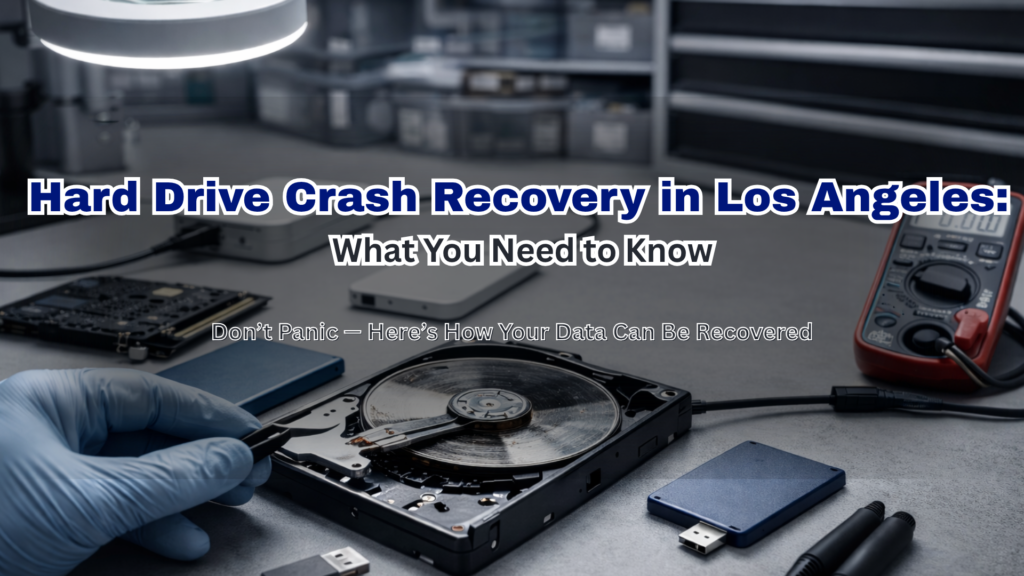
A hard drive crash can feel like a nightmare—especially when critical files suddenly become inaccessible. Whether it’s business documents, client records, or personal data, a storage crash can happen without warning.
However, the good news is that data recovery is often possible.
More importantly, understanding what happens next can help you act quickly and improve your chances of a full recovery—especially if you’re in Los Angeles and need urgent assistance.
What Happens When a Hard Drive Fails?
A hard drive failure typically falls into two categories. If you are seeking hard drive crash recovery Los Angeles services, understanding these categories is essential:
1. Mechanical Failure (Physical Damage)
This is the most serious type of disk failure. In most cases, it involves actual damage to internal components.
For example, common causes include:
- Head crashes (read/write arm touches the disk)
- Motor failure
- Overheating
- Physical shock (drops or impact)
As a result, you may notice:
- Clicking or grinding noises
- Computer not detecting the drive
- System freezing during access
2. Logical Failure (Software/Data Issues)
On the other hand, logical failures occur when the hardware is still intact but the data becomes corrupted.
Typically, this happens due to:
- File system corruption
- Malware or ransomware
- Accidental deletion
- Operating system crashes
Consequently, users often experience:
- Missing files
- “Drive not formatted” errors
- Slow or inaccessible folders
Step-by-Step: The Data Recovery Process
If you bring your device to a professional data recovery service in Los Angeles, here’s what usually happens:
Step 1: Initial Diagnosis
First, technicians evaluate the drive to determine:
- The type of failure
- The extent of damage
- Whether recovery is possible
Step 2: Secure Environment (Clean Room Work)
If physical damage is detected, specialists move the drive into a clean room environment.
This ensures that no dust or particles cause further damage.
Step 3: Data Imaging
Next, experts create a sector-by-sector clone of the drive.
This step is critical because it prevents further damage during the recovery process.
Step 4: Data Extraction
After that, technicians extract recoverable files using specialized tools.
Step 5: File Verification & Delivery
Finally, recovered data is:
- Verified for integrity
- Organized properly
- Delivered securely
How Successful Is Hard Drive Recovery?
Recovery success depends on several factors. In general, the earlier you act, the better the outcome.
High Success Rate (80–95%)
Typically includes:
- Logical failures
- Minor corruption
- Early-stage issues
Moderate Success Rate (60–80%)
In these cases:
- Partial physical damage exists
- Firmware issues are present
Lower Success Rate (20–50%)
Unfortunately, this applies when:
- Severe platter damage occurs
- Data has been overwritten
- The drive was used after failure
👉 Therefore, stopping use immediately is crucial.
What You Should Do Immediately After a Crash
Acting fast can make a huge difference. So, follow these steps carefully:
DO:
- Turn off the device immediately
- Disconnect the hard drive
- Seek professional help
- Document symptoms
DON’T:
- Don’t restart repeatedly
- Don’t run random recovery software
- Don’t open the drive yourself
- Don’t install new programs
Why DIY Recovery Can Make Things Worse
At first, DIY fixes may seem like a good idea. However, they often lead to permanent damage.
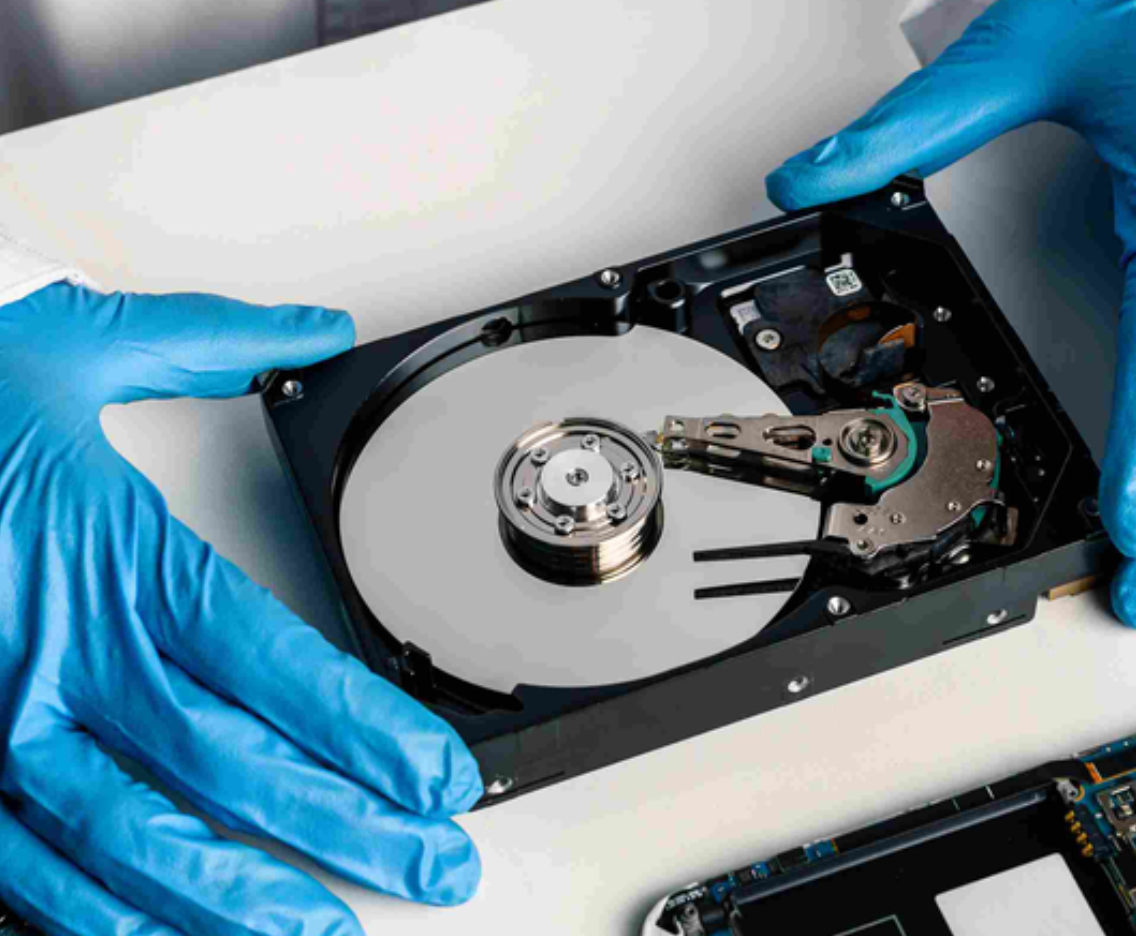
For instance, opening a hard drive outside a clean room exposes it to dust.
As a result, the disk surface can be scratched—making recovery impossible.
Similarly, running recovery software improperly can overwrite critical data.
When to Call a Professional in Los Angeles
You should contact a professional immediately if:
- Your hard drive makes unusual noises
- The system cannot detect the drive
- Files are missing or corrupted
- The data is critical
In particular, law firms and medical offices must act quickly due to compliance risks and downtime.
Preventing Future Hard Drive Failures
Once your data is recovered, prevention becomes essential. Fortunately, there are simple steps you can take:
- Schedule regular backups
- Use SSDs for better reliability
- Install strong cybersecurity protection
- Monitor drive health
- Keep systems properly ventilated
Final Thoughts: Don’t Panic—Act Fast
A hard drive crash is stressful. Nevertheless, it doesn’t always mean permanent data loss.
By acting quickly and avoiding DIY mistakes, you significantly improve your chances of recovery.