
Is your once-lightning-fast machine now sluggish and constantly lagging? Whether you’re working from home in Santa Monica or running a business in Downtown LA, a slow computer is more than just an annoyance—it’s a major hit to your productivity.
At our slow computer repair Los Angeles center, we see hundreds of devices with performance issues every month. While every machine is unique, there is a standard diagnostic “hit list” we use to get things back up to speed.
Here are the 5 key things LA computer repair experts check first to diagnose and fix your system. If you’re specifically looking for Slow Computer Repair Los Angeles services, professionals can assist with these common issues.
1. Resource-Heavy Background Processes
The most common cause of a sluggish computer isn’t a broken part; it’s simply “too many cooks in the kitchen.” Many applications set themselves to launch automatically the moment you turn on your PC.
-
The Check: We open the Task Manager (Windows) or Activity Monitor (Mac) to identify “resource hogs.”
-
The Fix: We disable unnecessary startup items and background apps that are draining your CPU and RAM.
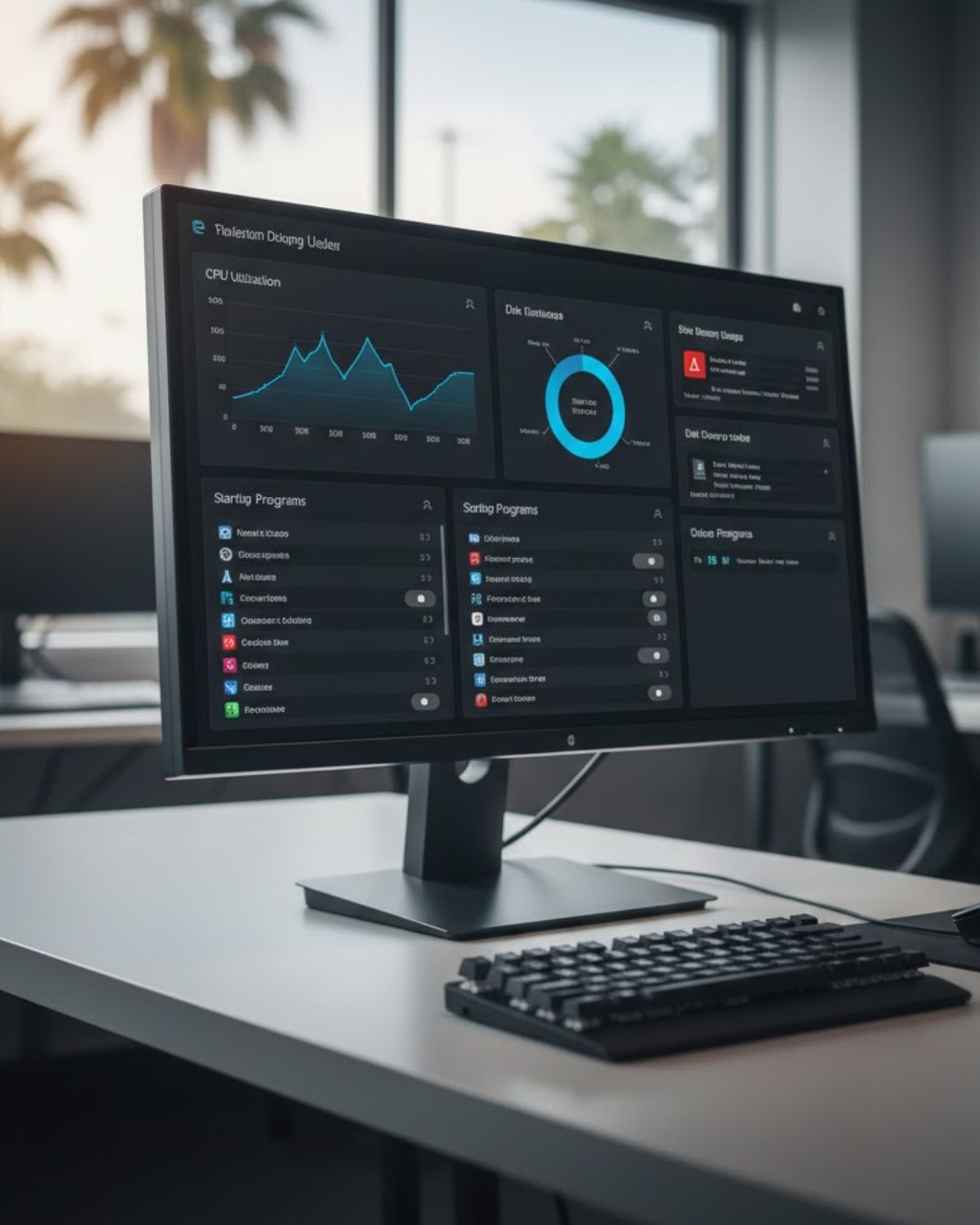
Our team performs a 5-step diagnostic for slow computer repair in Los Angeles.
2. Storage Capacity and Disk Health
Your operating system needs “breathing room” to function. If your hard drive or SSD is more than 85% full, you will begin experiencing significant performance issues. Additionally, older traditional hard drives are prone to physical wear and tear.
-
The Check: We verify remaining disk space and run S.M.A.R.T. diagnostics to check for hardware failure.
-
The Fix: If the drive is failing, we recommend a clone-and-replace to a modern Solid State Drive (SSD), which can make an old computer feel 10x faster.
3. Malware and Adware Infections
Even if you have antivirus software, “PUPs” (Potentially Unwanted Programs) and adware can slip through. These programs run silently in the background, stealing your processing power to serve ads or track your data, leading to a constant state of lagging.
-
The Check: A deep-system scan using professional-grade virus removal tools.
-
The Help: For more on staying safe, the FTC Consumer Tech Tips provide excellent guidelines on avoiding scams and malware.
4. Overheating and Thermal Throttling
Computers are designed to slow down (throttle) if they get too hot to prevent permanent hardware damage. In a dusty environment or an office with poor airflow, lint and pet hair can clog your cooling fans.
-
The Check: We monitor internal temperatures while the computer is under load.
-
The Fix: A professional internal cleaning and, if necessary, a fresh application of thermal paste to the processor.
5. Corrupted Operating System Files
Sometimes the “brain” of the computer—the OS—gets confused. Updates that were interrupted or software that didn’t uninstall correctly can leave behind corrupted files that cause performance issues.
-
The Check: We run system file checkers to look for integrity violations.
-
The Resource: If you are a Windows user, Microsoft’s Official Support offers built-in tools like “Reset this PC” or “System File Checker” to help resolve these deep-seated errors.
Comparison: Standard HDD vs. SSD Performance
| Component | Average Speed | Impact on Sluggishness |
| Traditional HDD | 100 – 150 MB/s | High (Mechanical parts slow down over time) |
| Modern SSD | 500 – 3,500+ MB/s | Low (Instant access, drastically reduces lagging) |
Expert Diagnostics in Los Angeles
If you’ve tried the basics and your machine is still struggling, it’s time for professional Speed Optimisation. Don’t let a slow computer dictate your schedule.
Ready to get your speed back? Contact our Los Angeles team today for a comprehensive Slow Computer Diagnostic. We specialize in Computer Repair Services, Virus Removal, and hardware upgrades that guarantee a faster, smoother experience.