
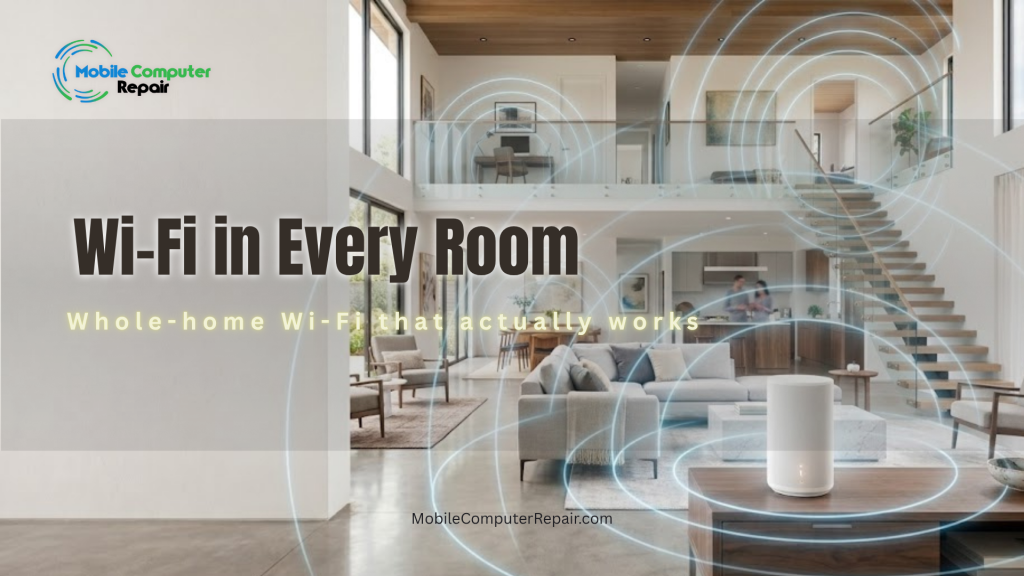
If you live in a larger home, you already know the frustration. For example, the Wi-Fi is fast in the living room but crawls in the back bedroom. Meanwhile, video calls freeze upstairs. On top of that, the smart TV buffers, and the patio has no signal at all. The truth is simple: large homes need more than a single router.
At Mobile Computer Repair, we design and install whole-home Wi-Fi solutions built around your home’s actual layout. As a result, you get no dead zones, no buffering, and no hassle. In this guide, therefore, we’ll explain why one router usually isn’t enough, how a proper home network setup works, and what to expect when our technicians come to you.
Why One Router Isn’t Enough for a Large Home
A good home network setup is essential for reliable internet coverage throughout your living space. To begin with, a single router sits in one spot and broadcasts a signal outward. In a small apartment, that works fine. However, in a large or multi-story home, it doesn’t.
Walls, floors, and distance all weaken a Wi-Fi signal. In particular, thick building materials block signals heavily:
- First, brick and stone walls absorb radio waves.
- In addition, concrete blocks and plaster stop signals completely.
- Finally, metal lath acts like a shield against wireless data.
As a result, you end up with dead zones — areas where the Wi-Fi barely works or drops entirely. Unfortunately, adding a cheap range extender often makes things worse, creating a second slow network your devices struggle to switch between. Instead, a true whole-home solution solves the problem at its root.
What Is a Whole-Home Wi-Fi Solution?
A whole-home Wi-Fi solution blankets your entire property in strong, seamless coverage. Rather than relying on one struggling router, it uses several coordinated devices that work together as a single network.
Generally, there are two main approaches we use, depending on your home:
- Mesh networks: First, a mesh system uses multiple units placed throughout your home. They talk to each other and hand off your connection automatically as you move from room to room. As a result, you stay connected to one network the whole time — no manual switching, no dropped calls.
- Wired access points: Alternatively, we can install access points connected by network cable for the strongest and most reliable coverage. This is ideal for very large homes, estates, or spaces where performance matters most.
Both approaches eliminate dead zones. Ultimately, we recommend the right one based on your home’s size, layout, and how you use the internet.
How We Design Your Network Around Your Home
Every home is different, so a one-size-fits-all box off the shelf rarely delivers the best results. For this reason, we start with your home’s actual layout.
Here’s how we think about it. First, picture your home’s floor plan. Next, we identify where you use the internet most — the home office, the media room, the kids’ study areas, the patio. Then, we map where signal naturally weakens due to distance and walls.
From there, we place each mesh unit or access point in the ideal spot for full, even coverage. The goal is a strong signal in every room you actually use, inside and out. In short, this planning step is what separates a professional setup from a DIY guess.
Smart Home Devices, Fully Integrated
Modern homes are full of connected devices. For instance, smart TVs, thermostats, cameras, doorbells, speakers, and lights all rely on your Wi-Fi. Naturally, the more devices you add, the more a weak network struggles.
Fortunately, a properly designed home network handles all of them with ease. In other words, we make sure your smart devices connect reliably and stay connected. Additionally, we can set up a separate guest network and keep your smart devices organized, so everything runs smoothly and securely.
The Benefits of a Professional Home Network Setup
Investing in a proper network pays off every single day. Specifically, here’s what you can expect:
- No more dead zones: Strong signal in every room, and even outdoors.
- No more buffering: Smooth streaming, gaming, and video calls.
- Faster speeds everywhere: Your whole home gets the performance you pay for.
- Reliable smart home: Cameras, thermostats, and devices that just work.
- Better security: Proper setup, strong passwords, and a safer network.
- Room to grow: A network that handles more devices as you add them.
According to the Federal Communications Commission (FCC), your home Wi-Fi setup — including router placement and equipment — has a major impact on the speeds you actually experience. Therefore, a professional setup makes sure you get the most from your internet plan.
Why We Come to You
Here’s the part that makes it easy: we handle everything. Because our technicians come to your home, there’s no equipment to buy blindly, no manuals to decode, and no frustrating self-install.
First, our team assesses your home and recommends the right equipment. Then, we install it and configure every setting. Finally, the network gets tested in every room to confirm it works perfectly before we leave. As a result, you’re left with fast, reliable Wi-Fi throughout your entire home — and no headaches.
What to Expect During Installation
Overall, we keep the process simple and respectful of your time and your home:
- On-site consultation: First, we walk through your home and discuss where you need coverage most.
- Custom hardware selection: Next, we recommend the right solution and place each device in its ideal location.
- Configuration & optimization: After that, we configure the network, connect your devices, and secure everything with strong settings.
- Coverage testing: Finally, we test coverage room by room and make sure you know how everything works.
In most cases, installations are completed in a single visit. Afterward, when we leave, your whole-home Wi-Fi is ready to use.
Ready for Wi-Fi That Works in Every Room?
You shouldn’t have to hunt for a signal in your own home. Instead, a professional home network setup gives you fast, seamless Wi-Fi everywhere — from the front door to the back patio.
Meanwhile, Mobile Computer Repair proudly serves Pacific Palisades and communities throughout the Los Angeles area. We come to you, set everything up, and make sure it works perfectly before we leave.
📞 Call 310-750-7564 or visit MobileComputerRepair.com to schedule your whole-home Wi-Fi consultation today.