
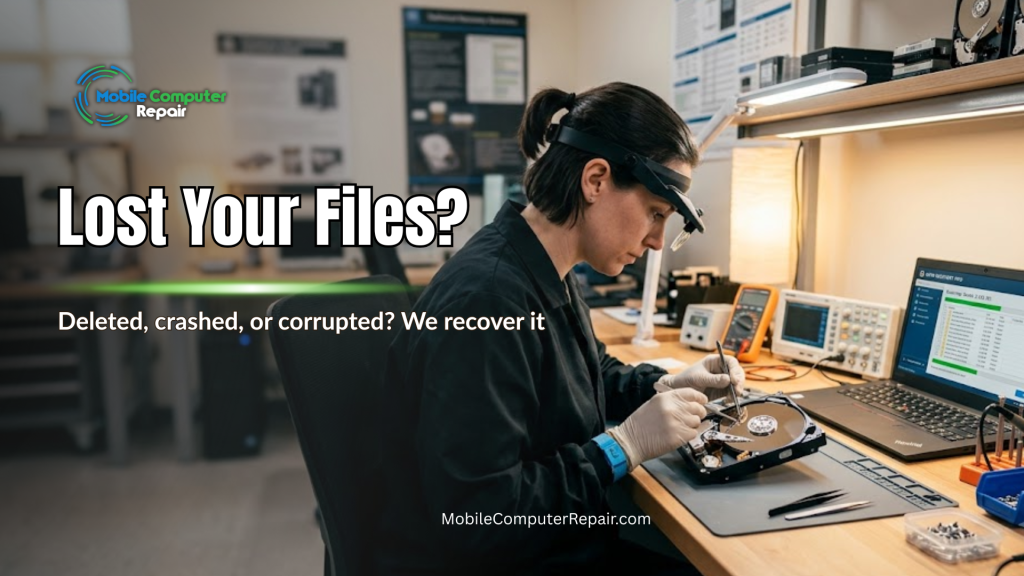
Losing important files can feel like the floor dropping out from under you. One moment your photos, business documents, and years of work are right where you left them. The next, your hard drive won’t boot, a folder is empty, or a dreaded error message fills the screen. If this just happened to you, take a breath. In many cases, your files can still be recovered — but the clock is ticking. Understanding data recovery can make a huge difference in getting your valuable information back.
At Mobile Computer Repair, we provide fast, professional data recovery in Beverly Hills and the surrounding areas. Often, we recover lost files the same day. This guide explains what causes data loss, why acting quickly matters so much, and how to give yourself the best possible chance of a full recovery.
What Causes Data Loss?
Data loss happens for many reasons. Understanding the cause helps you respond the right way. Here are the most common culprits we see.
Accidental deletion. You meant to clear out old files. Instead, you erased something important. It happens to everyone.
Hard drive failure. Drives are mechanical or electronic parts, and they wear out. Strange clicking sounds, slow performance, or a drive that won’t show up are all warning signs.
Corrupted files or software. A bad update, a power outage, or a program crash can scramble your data.
Viruses and malware. Some infections delete or lock your files on purpose. Ransomware is a growing threat that holds files hostage.
Physical damage. Drops, spills, fire, or water can harm the device that stores your data.
No matter the cause, the next steps you take matter enormously.
Why Speed Matters So Much
When files are deleted or a drive fails, the data is often still there — at least at first. The problem is that it can be overwritten or degrade quickly. This is why acting immediately gives you the best chance of full recovery.
Here’s what happens when you wait. When you delete a file, the space it occupied is marked as “available.” The moment your computer saves anything new, it may write over that space. Once data is overwritten, it is usually gone for good.
For a failing hard drive, the risk is different but just as urgent. A drive that is starting to fail can get worse each time it powers on. Every extra hour of use can turn a recoverable drive into a lost cause.
The lesson is simple. The faster you act, the better your chances. Stop using the device and call a professional right away.
What NOT to Do After You Lose Data
Your instinct may be to fix things yourself. But some quick fixes make recovery harder or impossible. Please avoid these common mistakes.
- Don’t keep using the device. Every action risks overwriting your files.
- Don’t install recovery software on the same drive. The installation itself can overwrite the very files you want back.
- Don’t shake, freeze, or open a failing drive. These old “tricks” from the internet often cause permanent damage.
- Don’t restart repeatedly. Powering a failing drive on and off can accelerate the failure.
The safest move is to power down and reach out to a specialist.
How Professional Data Recovery Works
Professional recovery is very different from running a free app. Here is what you can expect when you bring your device to us.
First, we perform a free consultation and evaluation. We look at the device, identify the likely cause, and give you an honest assessment of what can be recovered.
Next, we handle the recovery with specialized tools and safe methods. For deleted or corrupted files, we use advanced software that reads the drive without writing to it. For failing hardware, we work carefully to pull data off before the drive gets worse.
Throughout the process, we protect your privacy. Your photos, financial records, and business files stay confidential.
Finally, we return your recovered files on a safe, new storage device — and we can help you set up a backup plan so this never happens again.
Recovery Timeline: What to Expect
One of the first questions people ask is, “How long will this take?” The honest answer is that it depends on the situation. Here is a general guide.
- Simple deleted-file recovery: Often the same day.
- Corrupted or formatted drives: Usually one to two days.
- Mechanical hard drive failure: Two to five days, depending on the damage and parts needed.
We always give you a clear timeline after the evaluation. And whenever a same-day recovery is possible, we make it happen.
Why Beverly Hills Trusts Mobile Computer Repair
Beverly Hills residents and businesses rely on their devices for work, memories, and daily life. When data is on the line, you want a local team you can trust to respond fast.
We come to you. Our mobile service means you don’t have to unplug everything and haul it across town. We serve Beverly Hills and the surrounding communities with prompt, professional care. Our specialists have recovered files from countless devices — from crashed laptops to failed external drives.
Most importantly, we treat your data with urgency and respect. When you call, we understand that every minute counts.
Protect Yourself Going Forward
Once your files are safe, the best defense against future loss is a solid backup plan. A good rule to follow is the 3-2-1 backup strategy: keep three copies of your data, on two different types of storage, with one copy stored offsite or in the cloud. The U.S. National Institute of Standards and Technology (NIST) offers helpful, trustworthy guidance on data backup and recovery best practices for both homes and businesses.
We’re happy to help you set up automatic backups so a future scare never becomes a future loss.
Act Now — Before It’s Too Late
If you’ve lost files or your hard drive is acting strange, don’t wait. The sooner you act, the more we can save. Power down the device and call Mobile Computer Repair for a free consultation today.
📞 Call 310-750-7564 or visit MobileComputerRepair.com to get started. Your files may still be recoverable — but only if you act fast.