
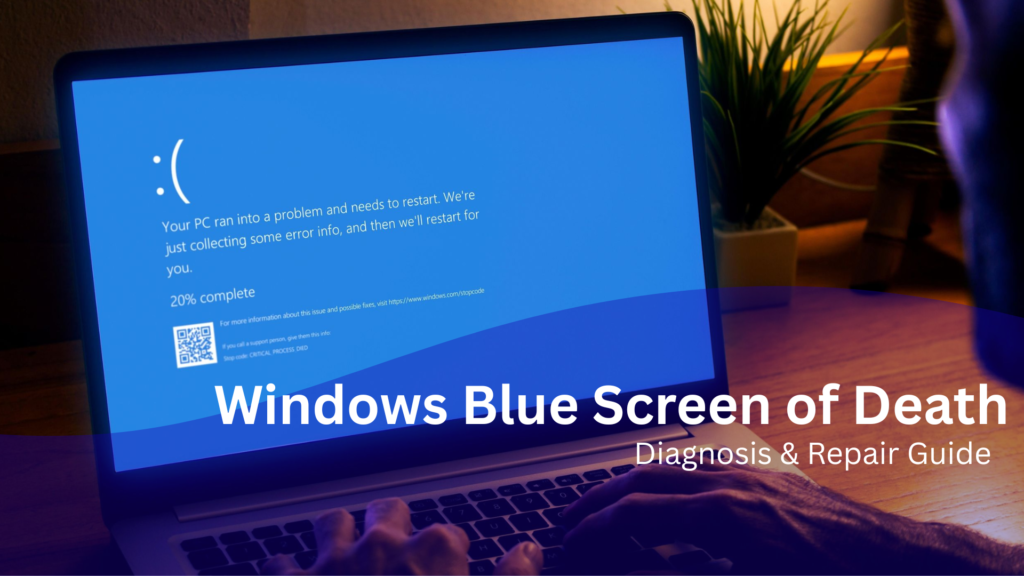
Seeing the Blue Screen of Death (BSOD) can be frustrating and even alarming. Your computer suddenly stops responding, the screen turns blue, and Windows displays a message explaining that the system encountered a serious problem.
However, this error is not always as catastrophic as it seems. In many cases, the Blue Screen of Death is actually a protective measure. Instead of allowing the computer to continue running with a critical error, Windows immediately stops the system to prevent data corruption or hardware damage.
As a result, the operating system displays what is known as a stop error. This message helps technicians identify what caused the crash and how it can be fixed.
For many computer users in Los Angeles, BSOD errors occur during everyday activities such as browsing, working, or installing updates. Understanding why these crashes happen can help you respond quickly and avoid further problems.
What Is the Blue Screen of Death?
The Blue Screen of Death is a Windows error screen that appears when the operating system detects a critical failure it cannot safely recover from. If you are looking for blue screen of death repair in LA, there are professionals who can help diagnose and fix the issue.
When this happens, Windows immediately stops all processes. This is why the message is often called a system crash or stop error.
Although the screen may look intimidating, it actually provides us
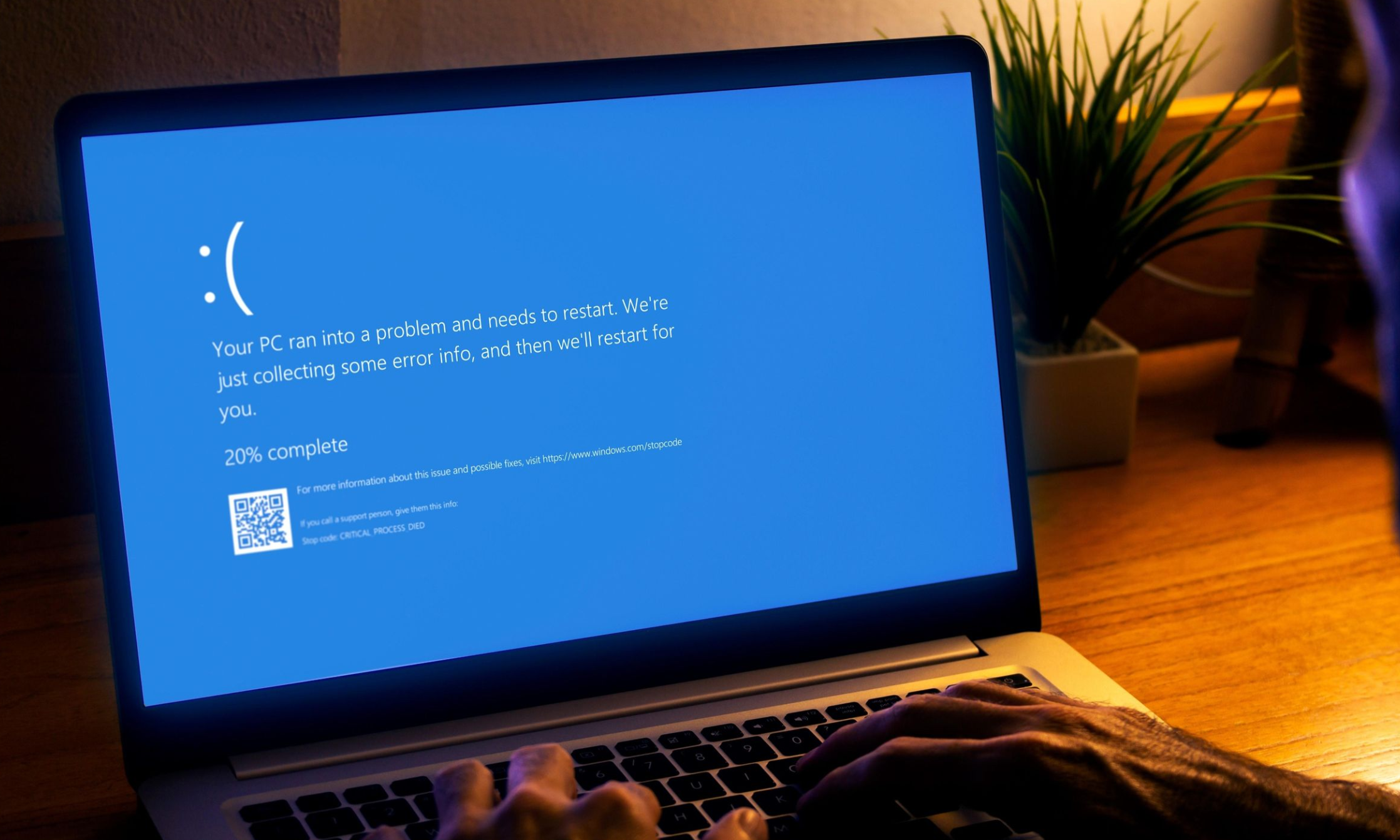
eful diagnostic information. In most cases, the message includes:
-
A stop code explaining the error
-
A brief description of the failure
-
A QR code for troubleshooting
-
An automatic restart after the crash
Because these codes help identify the cause of the problem, technicians often analyze them when diagnosing computer issues.
Technical documentation for these stop codes is available through Microsoft support resources.
Common BSOD Stop Errors
Different stop codes indicate different problems within the computer. While some errors are caused by software issues, others may point to hardware failure.
Some of the most common BSOD errors include:
MEMORY_MANAGEMENT
This stop error typically indicates a problem with your computer’s RAM or memory system.
CRITICAL_PROCESS_DIED
This error appears when an essential Windows process stops functioning unexpectedly.
IRQL_NOT_LESS_OR_EQUAL
Often linked to driver conflicts or incompatible hardware.
PAGE_FAULT_IN_NONPAGED_AREA
This occurs when Windows attempts to access memory that is unavailable or corrupted.
DRIVER_POWER_STATE_FAILURE
Usually related to outdated drivers or problems with power management.
Many users also look for troubleshooting help through community discussions provided by Microsoft support forums.
Why Blue Screen Errors Occur
Although a BSOD appears suddenly, the underlying problem usually develops over time. Several different factors can trigger a system crash.
Hardware Problems
First, hardware failure is one of the most common causes of Blue Screen errors.
For example, issues may involve:
-
Damaged RAM modules
-
Overheating processors
-
Failing hard drives or SSDs
-
Faulty graphics cards
-
Loose internal components
Because these components are essential for stable system operation, even a small hardware malfunction can trigger a stop error.
Corrupted Windows System Files
Another common cause involves damaged or missing system files.
Windows relies on thousands of files to manage processes, hardware communication, and security. However, these files can become corrupted due to malware infections, sudden power loss, or interrupted updates.
As a result, the operating system may crash when attempting to access those files.
Typical symptoms include:
-
Random system crashes
-
Slow performance
-
Failed Windows updates
-
Startup errors
Driver Conflicts
Drivers allow your hardware devices to communicate with Windows. However, if drivers become outdated or incompatible, the system may become unstable.
For instance, driver conflicts often occur after:
-
Installing new hardware
-
Updating graphics drivers
-
Connecting external devices
-
Installing certain software programs
When Windows detects a critical driver error, it may trigger a Blue Screen to protect the system.
Malware or Software Issues
In some cases, malicious programs can interfere with normal system operations. Malware may damage system files or alter important Windows settings.
Additionally, poorly designed software may install unstable drivers or modify registry entries.
These problems can eventually lead to repeated system crashes.
What To Do When You See a Blue Screen
Although a BSOD may look serious, there are several steps you can take before calling for repair.
First, write down the stop code displayed on the screen. This code often provides important clues about the issue.
Next, restart your computer. Occasionally, a Blue Screen occurs because of a temporary software conflict.
After that, disconnect external devices such as USB drives or printers. Sometimes these devices can cause driver conflicts.
Then, run Windows diagnostic tools to check for memory problems or corrupted system files.
Finally, if the problem continues to occur, professional computer repair may be necessary.
How We Fix BSOD Errors in Los Angeles
At Mobile Computer Repair, technicians follow a structured process to diagnose and repair Blue Screen errors.
First, we analyze the crash logs and stop codes generated by Windows. These logs provide valuable information about what caused the failure.
Next, hardware components such as RAM, storage drives, and cooling systems are tested to ensure they are functioning properly.
After hardware diagnostics, we repair corrupted system files and remove software conflicts.
Drivers are also updated to ensure compatibility with the current version of Windows.
Finally, we perform security scans to remove malware or other threats that may be affecting system stability.
Once the repair process is complete, the computer is tested to confirm that the system crash has been resolved.
When to Seek Professional Repair
Occasional system crashes can happen. However, certain patterns may indicate a serious problem.
You should consider professional repair if you experience:
-
Frequent Blue Screen errors
-
Crashes during startup
-
Automatic restart loops
-
Data loss after crashes
-
Unusual overheating
Addressing these issues early can help prevent permanent hardware damage.
Preventing Future BSOD Errors
Fortunately, there are several steps you can take to reduce the risk of system crashes.
For example, regularly updating Windows and device drivers can improve system stability.
Additionally, installing reliable security software helps protect your computer from malware.
Monitoring system temperatures and performing regular data backups can also help safeguard your device.
By maintaining your system properly, you can significantly reduce the chances of encountering the Blue Screen of Death.
Reliable Blue Screen Repair in Los Angeles
Although the Blue Screen of Death may appear serious, many BSOD problems can be diagnosed and repaired quickly.
If your computer continues to display stop errors or system crashes, professional diagnostics can identify the root cause and restore stability.
At Mobile Computer Repair, we provide fast and reliable computer repair services throughout Los Angeles, helping individuals and businesses recover from critical Windows errors and get their systems running smoothly again.