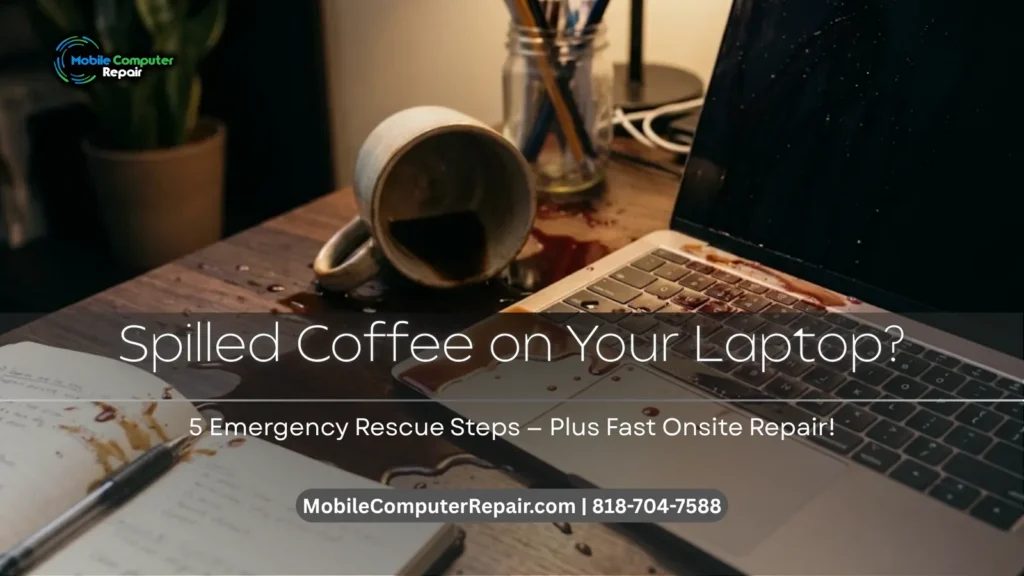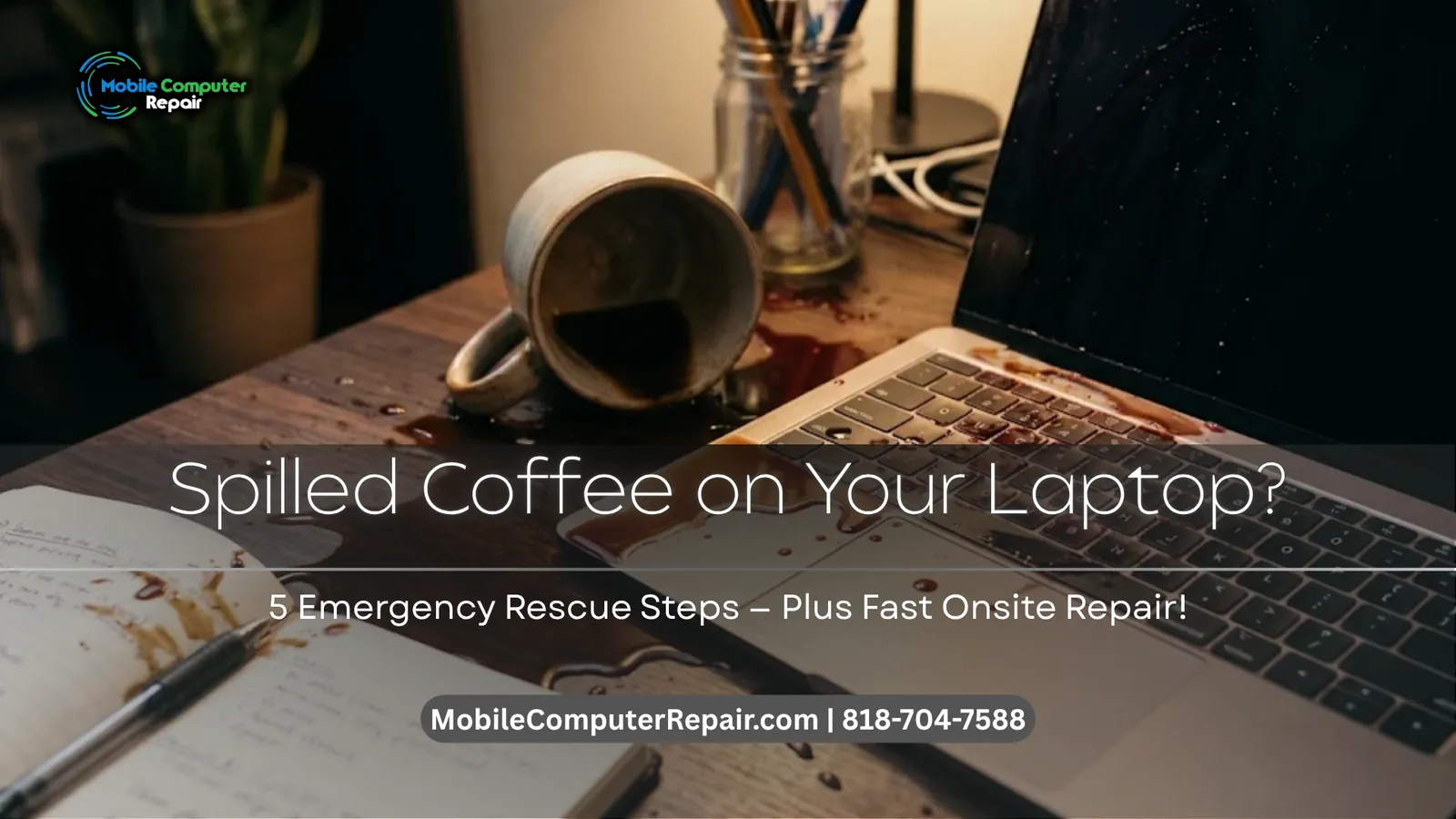
Holiday mornings and busy kitchen-table workdays are prime time for accidental spills. Whether a cup of hot coffee tips over while you’re wrapping up work before the holidays, or a glass of wine splashes across your MacBook keyboard during a family gathering, laptop liquid damage can start within seconds.
The good news? What you do in the first 60 seconds makes a huge difference. In many cases, we can save both your laptop and your irreplaceable photos, tax records, and work files – without forcing you to buy a brand-new computer.
At Mobile Computer Repair, we come directly to your home or office across Los Angeles, the San Fernando Valley, and Thousand Oaks. There, we inspect liquid-damaged laptops, clean internal components, and recover valuable data – all backed by a free diagnosis, honest repairs, and our 90-day repair warranty.
5 Emergency Steps to Stop Laptop Liquid Damage in the First 60 Seconds
If liquid just hit your MacBook or Windows laptop, act fast and follow these exact steps.
1. Force Power Off Immediately – Don’t Wait for a Normal Shutdown
Electricity plus moisture causes instant short circuits on your laptop’s motherboard. Therefore, press and hold the Power button for 5 to 10 seconds until the screen goes completely black and all keyboard lights turn off. Whatever you do, don’t click “Shut Down” and wait – kill the power immediately.
2. Unplug the Charger and Remove All Accessories
Next, disconnect the power cord from both the wall and the laptop right away. Then unplug USB drives, external mice, HDMI cables, and SD cards. If you have an older Windows laptop with a removable battery latch on the bottom, slide it open and take the battery out.
3. Blot the Liquid and Tent the Laptop Open
Using a clean, lint-free microfiber cloth or paper towel, gently blot away standing liquid on the keyboard and trackpad. After that, carefully turn the open laptop upside down in an inverted “V” tent shape on a dry towel. This way, gravity draws liquid down and away from the internal logic board rather than deeper inside.
4. Skip the Bag of Rice and the Hair Dryer
Never bury a wet laptop in uncooked rice. Fine rice dust and starch sneak into cooling fans, charging ports, and hinges, turning into gummy paste when mixed with moisture. Likewise, never use a hot hair dryer or heat gun, since the heat can warp delicate plastic keys and push liquid further beneath sensitive microchips.
5. Don’t Turn It Back On to “Test If It Still Works”
Even if your laptop seems dry on the outside after a few hours, liquid trapped under the keys and motherboard shields can still short out components the moment power returns. Moisture left inside can also cause hidden corrosion after the outside looks dry, which is why a professional inspection should come before you power the laptop back on.
Why Coffee, Wine, and Soda Cause Worse Laptop Liquid Damage Than Water
Plain tap water can cause electrical shorts if power stays on. However, sugary, acidic, or milky drinks like coffee, wine, soda, and juice are far worse, because they leave behind sticky, conductive residue even after they evaporate.
Over the next 24 to 48 hours, that residue slowly eats away at the tiny copper traces on your motherboard and battery connectors. Consequently, prompt professional cleaning and component inspection save many laptops that would otherwise fail days later.
If you’re worried about losing important files, Microsoft’s guide to backing up your Windows PC shows how keeping copies of critical documents protects you. And even if your laptop won’t turn on at all, our data recovery service can often get your files back, depending on the model and the damage.
Quick Liquid Spill Emergency Checklist
- Power off: Hold the Power button down until the laptop shuts off completely.
- Disconnect: Unplug the power adapter, external drives, and any connected cables immediately.
- Drain: Blot visible moisture and place the laptop upside down in a tent position on a dry towel.
- Avoid: Skip uncooked rice, hair dryers, ovens, and aggressive shaking.
- Wait: Keep the laptop powered off until a certified technician inspects it for laptop liquid damage.
Fast Onsite Laptop Rescue & Data Recovery Across LA, the Valley & Thousand Oaks
With over 25 years of experience, our licensed, bonded and insured technicians come to you for laptop liquid damage inspection, component cleaning, and data recovery across Los Angeles, the San Fernando Valley, and Thousand Oaks – so you don’t have to wait in retail repair queues. Learn more about our laptop repair services and MacBook and Mac repair.
📞 Call 818-704-7588 or email info@mobilecomputerrepair.com for a free diagnosis, backed by our 100% Satisfaction Guarantee and 90-Day Repair Warranty.