
Data Recovery
Data Recovery in Los Angeles
Lost photos, documents or email to a failed drive, a crash or an accidental delete? We recover data from hard drives, SSDs, RAID arrays and servers using professional recovery tools.
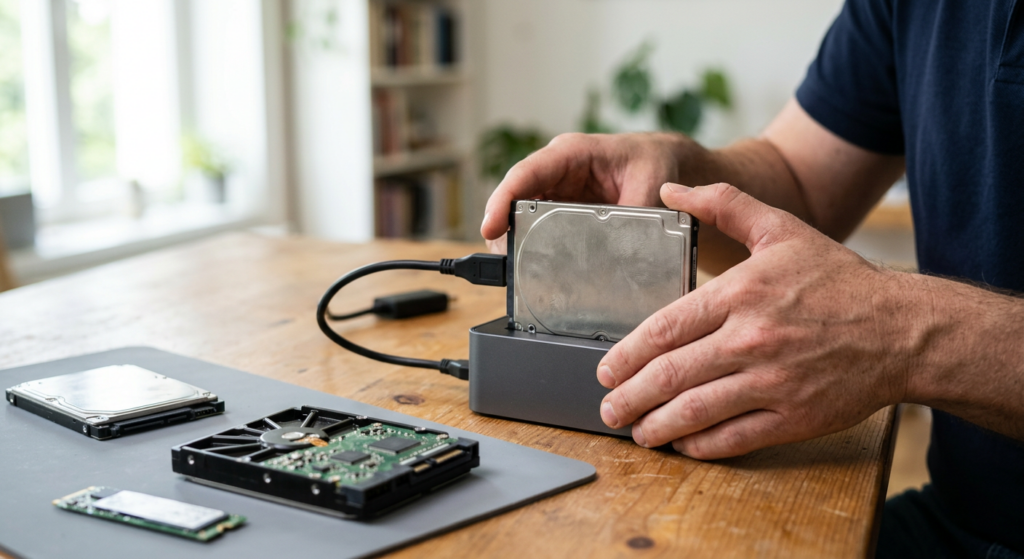
When Your Files Are Gone, Act Carefully
Family photos, business records, years of email — losing access to them is stressful. Mobile Computer Repair recovers data for homes and businesses from failed, damaged and corrupted storage.
We use specialized equipment, including PC-3000 and Data Extractor systems, and keep a supply of donor drives for parts, which helps recover data from drives that won't even spin up.
Recovery isn't always possible, and every attempt carries some risk — which is why the first attempt matters. Contact us for a free consultation before trying anything yourself.
Common Causes of Data Loss

Accidental Deletion
Important files or folders deleted by mistake.

Hard Drive or SSD Failure
The drive isn't detected, clicks, grinds or won't boot.

Virus or Malware Damage
Malicious software corrupted or encrypted your files.
See <a href="

Fire or Flood Damage
Storage physically damaged in a disaster.

System Crash
A sudden failure left files unreadable.

Software Corruption
Files or the operating system became corrupted.
Our Data Recovery Services
Every recovery starts with a free consultation. Here is what we recover and how.
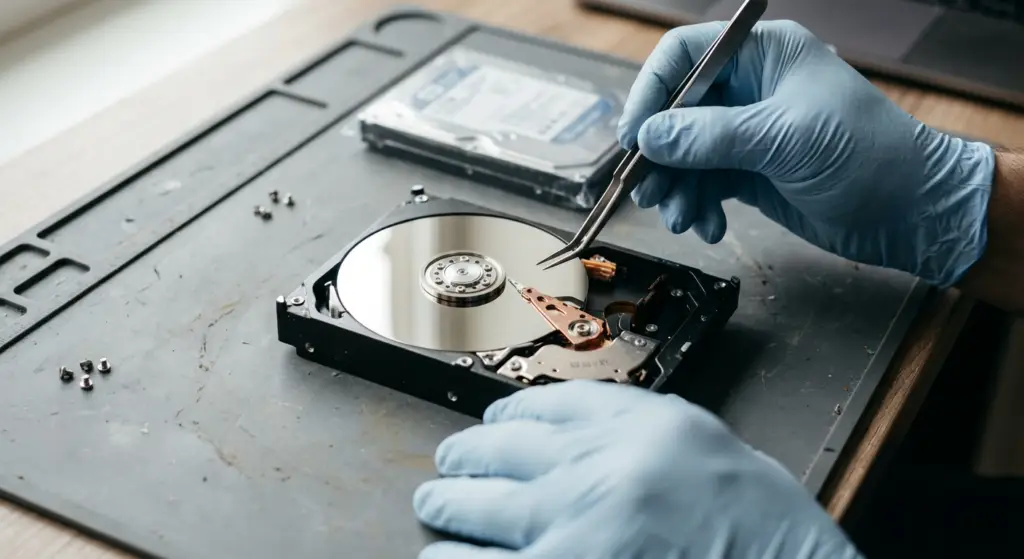
Hard Drives
01 · Hard Drives
Hard Drive Recovery
Hard drives are the most common storage in computers, laptops and servers — and their moving parts are their weak point.
Problems we fix
- Drive not detected, or detected incorrectly
- Clicking or knocking
- Drive won't spin
- Computer won't boot from it
- Unreadable folders
What's included
- Damaged firmware (service area)
- Failed controller boards
- Damaged read/write heads
- Seized motors and bad sectors
- PC-3000 and Data Extractor systems and donor drives to copy data to a healthy drive

A real chance of recovery even when the drive appears dead; with minor surface damage, the drive itself may be repairable afterward.
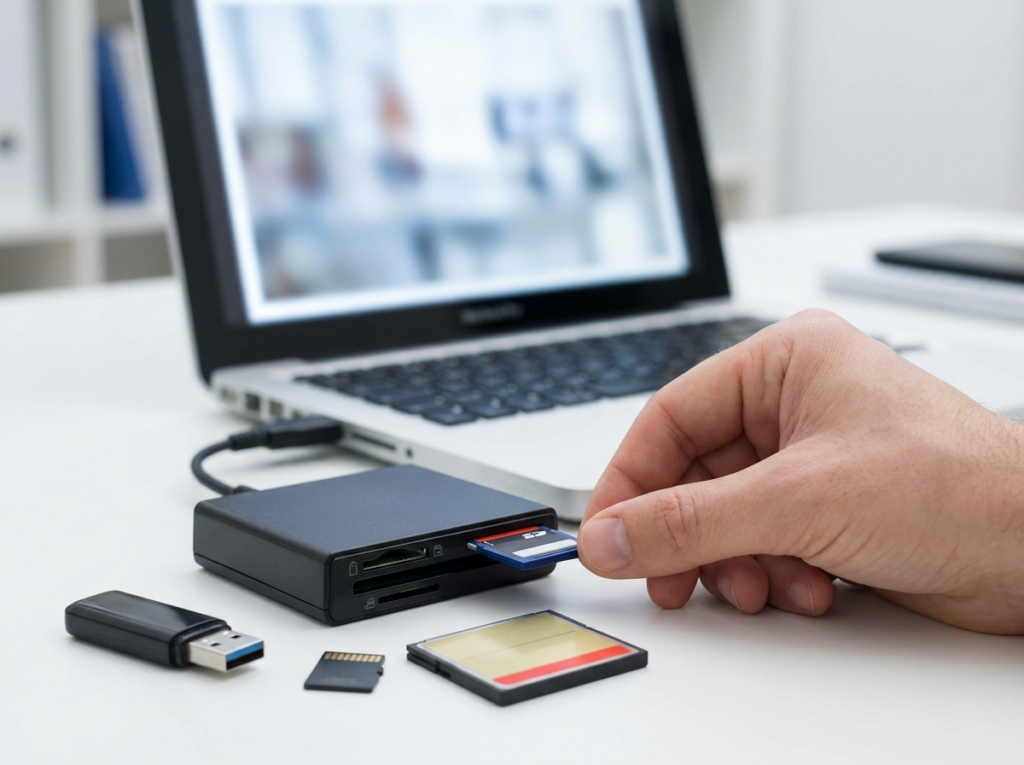

SSDs
02 · SSDs
SSD Recovery
Solid-state drives fail differently from hard drives, often without warning.
Problems we fix
- SSD not detected
- Computer won't boot
- Files missing
What's included
- Recovery of data from failed solid-state drives
Your files back from a drive that failed without warning.


Photos & Media
03 · Photos & Media
Photo, Video and Music Recovery
Some files can't be replaced.
Problems we fix
- Deleted or inaccessible photos
- Lost videos and music
- Files on drives, USB sticks, external drives or memory cards
What's included
- Digital media recovery from computers and removable storage
A chance to get back irreplaceable memories.


RAID
04 · RAID
RAID Recovery
RAID arrays protect business data — until more than one drive fails or the array breaks.
Problems we fix
- Degraded RAID arrays
- Failed RAID arrays
What's included
- Recovery of data from RAID storage
Business data brought back from a broken array.


Servers
05 · Servers
Server Recovery
A failed server can stop an entire office.
Problems we fix
- Server crash
- Failed storage
- Inaccessible shared files
What's included
- Recovery of data from business servers
Your shared files and records back so the office can work again.


06 · Email
Email Recovery
Years of correspondence can vanish with one failure.
Problems we fix
- Deleted email
- Inaccessible email
What's included
- Recovery of email data
Important conversations and records recovered.
Storage We Recover From
Not sure about your device? Call and describe it.
Internal hard drives
Solid-state drives (SSDs)
External hard drives
USB flash drives
Memory cards
RAID arrays
Servers

Recovering Family Photos and Personal Files
Wedding photos, kids' videos, tax records — most families never back them up until it's too late. We recover personal files from failed computers, external drives, USB sticks and memory cards, then help you set up automatic backups so it doesn't happen again.
Get a Free Consultation →
Data Recovery for Businesses
Lost financial records, client files or email can stop a business. We recover data from workstations, servers and RAID arrays, and can set up cloud backup and recovery so your business is protected next time.
Talk to Us About Business Recovery →How Data Recovery Is Handled

Free Consultation
Call to describe what happened and get advice before anything is touched.

By Appointment
Schedule a data recovery appointment.
How Data Recovery Works
1
Free consultation
Tell us what happened and what you need back.
2
Evaluation
We determine the type of failure and give you the cost before any recovery work.
3
Recovery
Data is copied from the damaged device to a healthy drive using professional tools, then the files are restored.
4
Protection
We help you set up backups; if damage was minor, the original drive may be repairable.
Why Choose Us for Data Recovery
Professional Recovery Tools
PC-3000 and Data Extractor systems, plus donor drives for parts.
Every Kind of Storage
Hard drives, SSDs, RAID, servers, external drives, USB sticks and memory cards.
Free Consultation
Get advice before you risk your data.

Prevention Built In
Backup setup with network storage and cloud options.

Licensed, Bonded and Insured
Trusted with your devices and data.
How to Avoid Losing Data Again
Back up regularly
To an external drive or cloud storage.

Keep antivirus up to date
And scan regularly.
Protect devices physically
Store drives safely and avoid drops, heat and liquid.
Don't attempt DIY recovery
It can make loss permanent.
Related Services
Cloud Services
Automatic cloud backup and recovery.
Learn More →
Computer Repair
Fix the computer after recovery.
Learn More →
Laptop Repair
Drive replacement and laptop repair.
Learn More →
Virus & Malware Removal
Remove malware that corrupted files.
Learn More →
Business Server Support
Server repair and migration.
Learn More →Data Recovery Across Los Angeles
We provide data recovery for homes and businesses throughout Los Angeles, the San Fernando Valley and Thousand Oaks. Call for a free consultation.
Data Recovery FAQs
Can you recover my files?
Can you recover my files?
Often, yes — but it depends on what failed and how badly. We evaluate the device first and tell you what's possible before any recovery work.
What storage devices do you recover from?
What storage devices do you recover from?
Hard drives, SSDs, external drives, USB flash drives, memory cards, RAID arrays and servers.
My hard drive is clicking. What should I do?
My hard drive is clicking. What should I do?
Stop using it and call us. Clicking often means damaged read/write heads, and running the drive can make things worse.
Can I try recovery software myself first?
Can I try recovery software myself first?
We don't recommend it. DIY recovery attempts can make data loss permanent.
Can you recover deleted photos?
Can you recover deleted photos?
We recover photos, videos and music from computers and removable storage.
Do you recover data from servers and RAID arrays?
Do you recover data from servers and RAID arrays?
Yes.
How much does data recovery cost?
How much does data recovery cost?
The consultation is free. We evaluate the device and give you the cost before any recovery work.
Can my drive be repaired after recovery?
Can my drive be repaired after recovery?
Sometimes. If surface damage is minor, the drive may be repairable after your data is recovered.
What areas do you serve?
What areas do you serve?
Los Angeles, the San Fernando Valley and Thousand Oaks.
Don't Wait Until It's Too Late
Stop using the device and call for a free consultation. The sooner we look at it, the better the chances.