
Independent Mac Repair
Mac Repair in Los Angeles
Worn-out battery, broken keyboard, cracked screen or a spill? We repair MacBook and iMac computers at your home or office, starting with a free diagnosis.
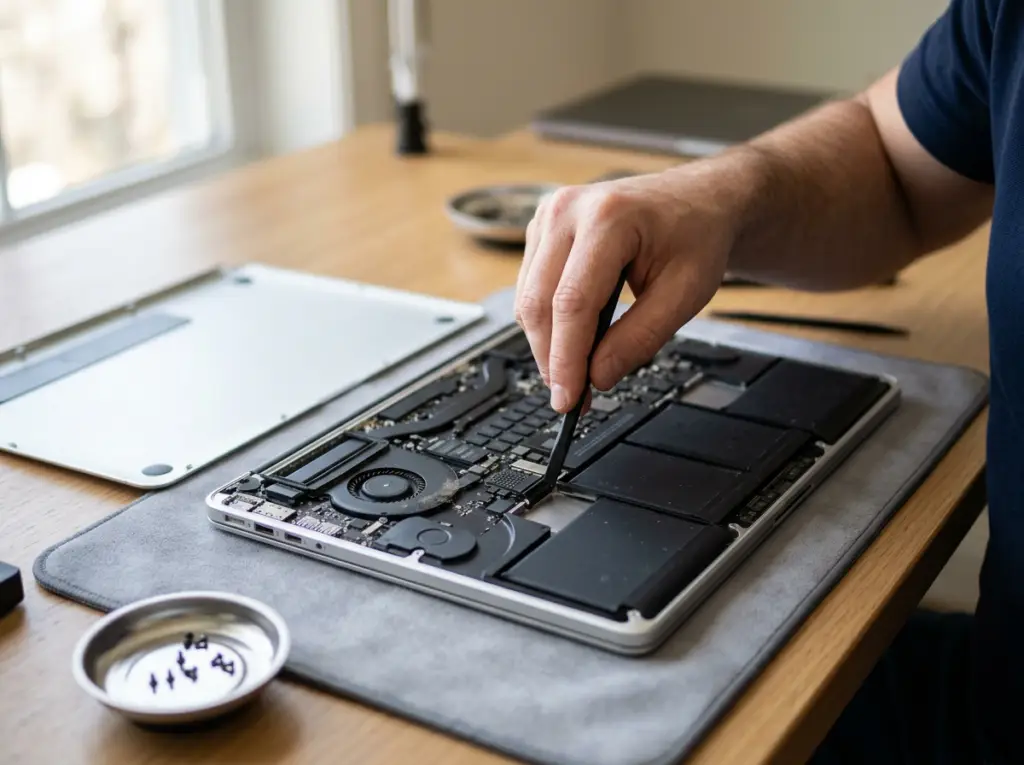
Independent Mac Repair Without the Store Appointment
Mobile Computer Repair is an independent repair service for Mac computers, including MacBook, MacBook Air, MacBook Pro, iMac and Mac mini. We help home users and businesses get their Macs working again, usually without leaving home or the office.
We replace worn MacBook batteries, failed keyboards, damaged screens and hard drives, repair water damage, and help with Mac software updates and system problems.
A Mac that won't hold a charge or keeps slowing down can have more than one cause, so every repair starts with a free diagnosis. We explain what's wrong and what it costs before any work begins.
Call with your Mac model and a description of the problem for a preliminary price.
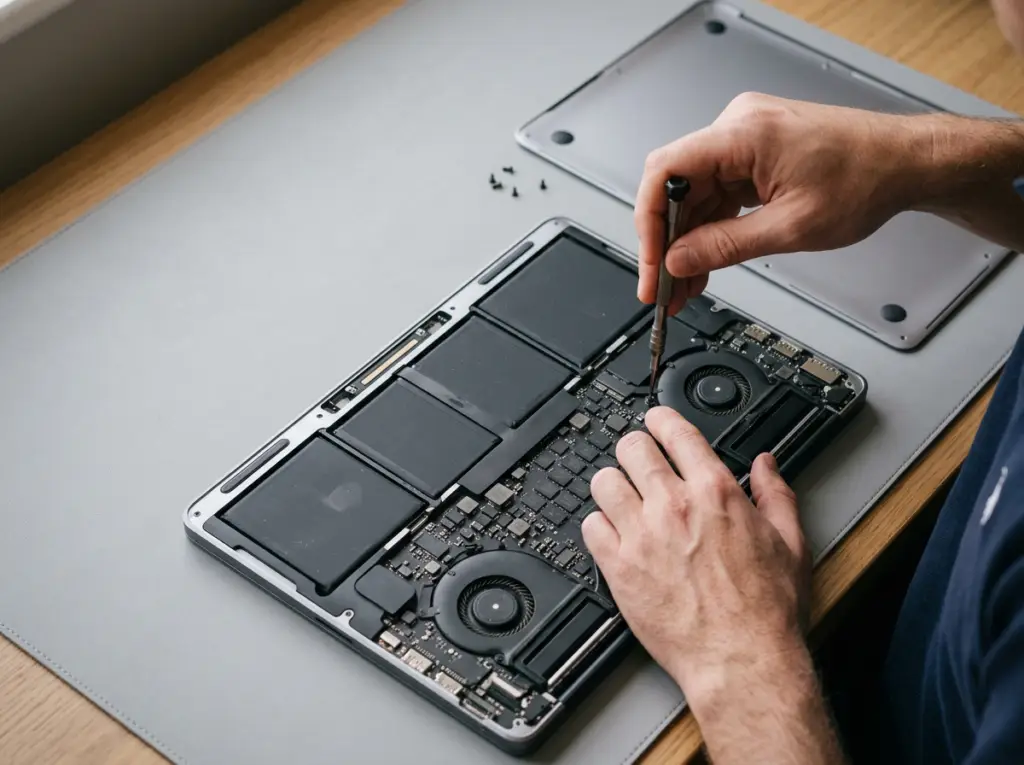
Mac Problems We Fix
Recognize one of these? We can help.

Battery Won't Hold a Charge
Your MacBook dies quickly after years of use.
Our fix: MacBook battery replacement

Keys or Keyboard Not Working
One key or the whole keyboard has stopped responding.
Our fix: MacBook keyboard replacement

Cracked or Damaged Screen
The display is broken or unusable.
Our fix: MacBook screen replacement

Liquid Spill
Water or coffee got into your MacBook and it won't work properly.
Our fix: Water-damage repair

Failed or Slow Hard Drive
Your Mac won't start, or it's painfully slow to load.
Our fix: Hard drive replacement, including SSD upgrades
Files on the drive? See data recovery

Software and System Problems
Updates fail or the system misbehaves.
Our fix: Software updates and system repair

Viruses or Unwanted Software
Pop-ups, redirects or suspicious programs.
Our fix: Virus removal
Our Mac Repair Services
From a tired battery to a spilled-on keyboard, here is what we repair on MacBooks and iMacs.
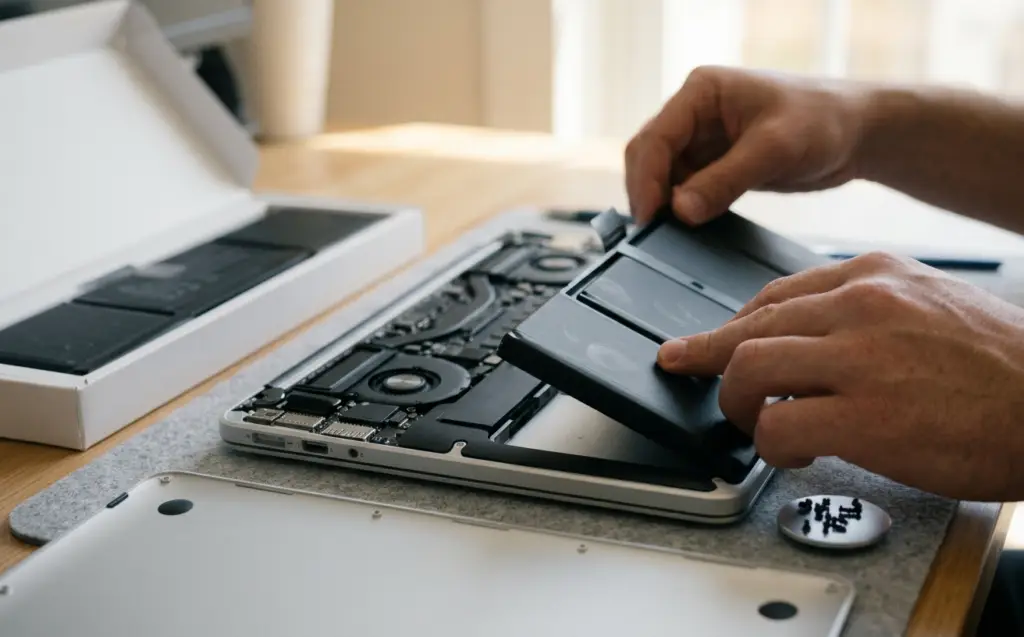
Batteries
01 · Batteries
MacBook Battery Replacement
After years of charging, MacBook batteries lose capacity.
Problems we fix
- Short battery life
- Laptop dies quickly off the charger
What's included
- Replacing the battery with a quality replacement

All-day use again without buying a new MacBook.

Keyboards
02 · Keyboards
MacBook Keyboard Replacement
A single failed key can interrupt everything you do.
Problems we fix
- Keys that stick
- Keys that repeat or don't respond
- Whole keyboard dead
What's included
- MacBook keyboard replacement
Reliable typing again.
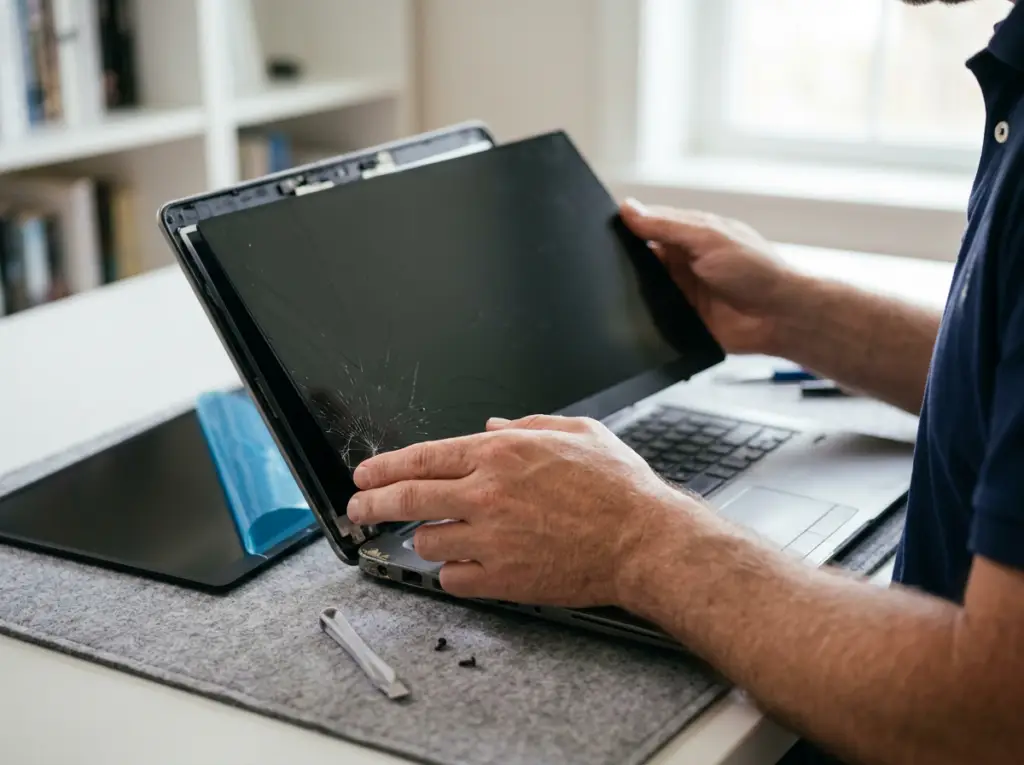
Screens
03 · Screens
MacBook Screen Replacement
A damaged display makes a MacBook unusable.
Problems we fix
- Cracked screen
- Broken screen
- Failing screen
What's included
- MacBook screen replacement
A clear, working display without replacing the whole computer.

Water Damage
04 · Water Damage
MacBook Water-Damage Repair
Spills happen. A wet MacBook may stop working or behave strangely.
Problems we fix
- No power after liquid exposure
- Unresponsive power button
- Unresponsive keys
What's included
- Repair of water damage to the MacBook
A chance to save the MacBook rather than replace it.
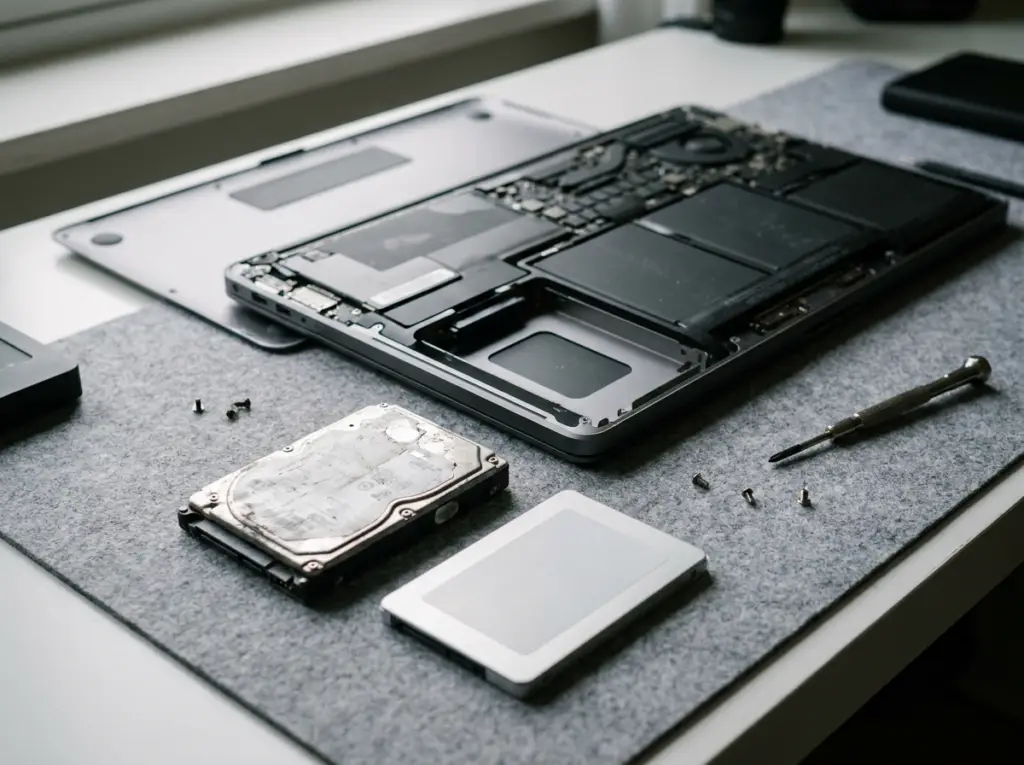
Drives & SSDs
05 · Drives & SSDs
Mac Hard Drive Replacement and SSD Upgrades
A failing drive slows your Mac to a crawl and puts files at risk.
Problems we fix
- Mac won't start
- Very slow startup
- Drive errors
What's included
- Hard drive replacement in MacBooks and iMacs
- Upgrades to a solid-state drive
A faster, more dependable Mac.
Software
06 · Software
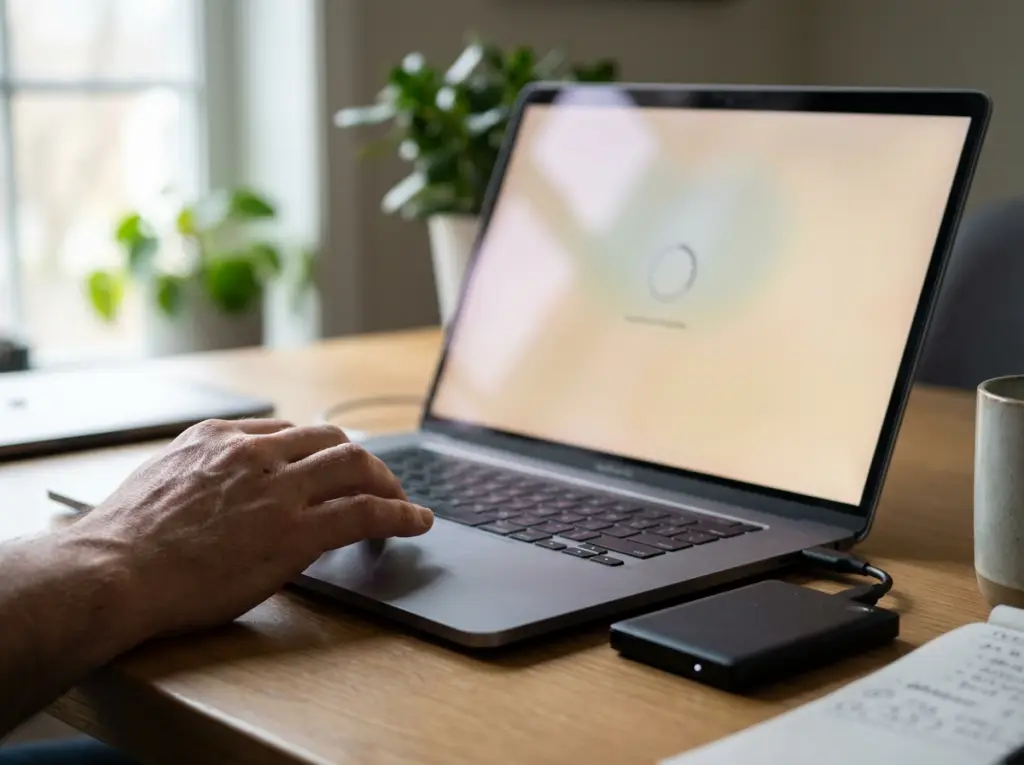
Mac Software, Updates and Virus Removal
Some Mac problems are in the software, not the hardware.
Problems we fix
- Failed updates
- System errors
- Unwanted software
What's included
- Software updates
- System repairs
- Data backup
- Virus removal
A stable, up-to-date Mac with your data backed up.
Macs We Repair
We work on MacBook, MacBook Air, MacBook Pro, iMac and Mac mini computers. Support can vary by model and year, so when you contact us, please have ready: your exact Mac model, its approximate year, the macOS version if you know it, and a description of the problem.

MacBook
MacBook Air
MacBook Pro

iMac

Mac mini

To find your model: click the Apple menu, then About This Mac.

Mac Repair for Home Users
Your MacBook holds your photos, schoolwork and everyday life. We replace tired batteries, fix keyboards and screens, rescue spilled-on MacBooks, and keep your Mac updated and backed up — at your kitchen table.
Book a Home Visit →
Mac Support for Offices
Offices running iMacs and MacBooks can't afford to lose a workstation. We come to your workplace to upgrade aging iMac drives to faster SSDs, repair MacBooks and handle updates, so your team gets back to work. For offices with many computers, ask about ongoing managed IT support.
Get Business Mac Support →How We Deliver Mac Repair

Onsite Service
A technician comes to your home or office.

By Appointment
We schedule a visit at a time that suits you.

Phone Help
Preliminary diagnosis and price by phone; free phone support for existing customers.
How Mac Repair Works
1
Tell us your Mac model
And describe the problem you are seeing.
2
Get a preliminary price
We give you an estimate by phone.
3
Free diagnosis
We confirm the cause and exact cost before any work.
4
Repair and walkthrough
We fix it and show you it working.
5
Guarantee
You receive a guarantee card for the repair.
Why Choose Us for Mac Repair
No Store Line
We come to your home or office instead.
Quality Replacement Parts
Batteries and components chosen for reliability.
Free Diagnosis
Know the cause and price before you decide.

Work That's Guaranteed
You receive a written guarantee card for your repair.
Windows and Mac Under One Roof
One team for every computer in your home or office.

Licensed, Bonded and Insured
Protection while we work in your space.
Related Services
Computer Repair
Onsite desktop and PC repair.
Learn More →
Laptop Repair
Screens, keyboards, ports and more for Windows laptops.
Learn More →
Data Recovery
Recover files from failed drives and SSDs.
Learn More →
Virus & Malware Removal
Remove unwanted software and restore performance.
Learn More →
Network & Wi-Fi Setup
Fix home and office Wi-Fi.
Learn More →Mac Repair Across Los Angeles
We repair Macs for homes and businesses throughout Los Angeles, the San Fernando Valley and Thousand Oaks. Not sure we cover your area? Call and we'll check.
Mac Repair FAQs
What Mac problems do you repair?
What Mac problems do you repair?
Worn MacBook batteries, failed keyboards, damaged screens, water damage, failing hard drives, and software or update problems.
Which Macs do you work on?
Which Macs do you work on?
MacBook, MacBook Air, MacBook Pro, iMac and Mac mini. Support can vary by model and year — call with your model to confirm.
Can you upgrade an iMac's hard drive?
Can you upgrade an iMac's hard drive?
Yes. We replace iMac hard drives, including upgrades to faster solid-state drives.
Can you help with a slow Mac?
Can you help with a slow Mac?
Often, yes. A failing hard drive or software problems are common causes; we diagnose first, free.
Do you remove viruses from Macs?
Do you remove viruses from Macs?
Yes. See Virus & Malware Removal.
Can you recover data from a Mac?
Can you recover data from a Mac?
Our Data Recovery service recovers files from failed hard drives and SSDs. Call with your Mac model to confirm.
Are you affiliated with or authorized by Apple?
Are you affiliated with or authorized by Apple?
No. We're an independent repair service and are not affiliated with or authorized by Apple.
Do you come to me?
Do you come to me?
Yes, we provide onsite service at homes and offices.
How do I find my Mac model?
How do I find my Mac model?
Click the Apple menu in the top-left corner and choose About This Mac.
How do I request service?
How do I request service?
Call 818-704-7588 or use our contact page with your Mac model, what's happening and when it started.
What areas do you serve?
What areas do you serve?
Los Angeles, the San Fernando Valley and Thousand Oaks.
Mobile Computer Repair is an independent repair service and is not affiliated with, authorized by or endorsed by Apple Inc. Mac, MacBook, MacBook Air, MacBook Pro, iMac and Mac mini are trademarks of Apple Inc., used only to identify the devices we service. Repairs by an independent provider may affect any remaining Apple warranty coverage; check your coverage before booking.
Get Your Mac Working Again
Tell us your Mac model and what's wrong. We'll diagnose it free and explain the fix before we start.